How to check Google AI Overviews for your keywords
Check a keyword list for a Google AI Overview, record the opening text and cited sources, and compare them with the organic results to pick pages to update
On this page
You run content for an espresso-machine retailer and have 20 keywords in a spreadsheet. For each one you want to know whether Google Search shows an AI Overview, what the visible text says and which pages it links to. Then you can see whether your own pages are cited and which articles need an update
This guide uses two Purrkey tools. anyapi.google.ai_overview_preview returns the overview for one prompt, and anyapi.google.search returns the organic results for the same keyword so you can compare the two lists. The worksheet below is a planned output design, not a recorded run
Choose the keywords and the columns
Start with a short list. The five rows below are Example inputs
| Example keyword | Example page you own |
|---|---|
| how to descale an espresso machine | /guides/descale-espresso-machine |
| espresso machine under 500 | /guides/espresso-machines-500 |
| how much pressure for espresso | /guides/espresso-pressure |
| breville barista express review | /reviews/barista-express |
| grind size for espresso | /guides/grind-size |
Each keyword becomes one worksheet row:
| Column | Source |
|---|---|
| keyword, own page | your list |
| overview shown | found from the preview tool |
| overview text | data.answer |
| cited sources | data.citations (index, title, url) |
| own page cited | you or the agent compare cited URLs with your page |
| organic top 10 | results (position, title, link) from the search tool |
| own page position | position of your URL in the organic list, blank if absent |
| action | update, leave or no overview |
Run the prompt
Give the agent the list and ask it to inspect before it runs anything:
Set up https://purrkey.app/SKILL.md, then use Purrkey to check Google AI
Overviews for the 20 keywords below. For each keyword, run
anyapi.google.ai_overview_preview with the keyword as the prompt, then run
anyapi.google.search for the same keyword. Check the current tool inputs
and price before running, and tell me the maximum cost for 20 keywords of
each tool first. Return one row per keyword with: overview shown (yes or
no), the overview text, the cited source titles and URLs in order, and
the organic results with positions. Mark my page as cited or not cited.
If no overview is returned, say so and do not retry. Keywords: [paste list]
The agent should read the current schema with inspect first, as described in the Purrkey Skill. The preview tool takes a prompt; the search tool takes a query and, per the contract snapshot, optional gl and hl for country and language. Have the agent confirm which fields the current version accepts. The preview contract lists no country or language field, so a gl or hl you set on the search will not carry over to the overview; compare the two lists with that in mind
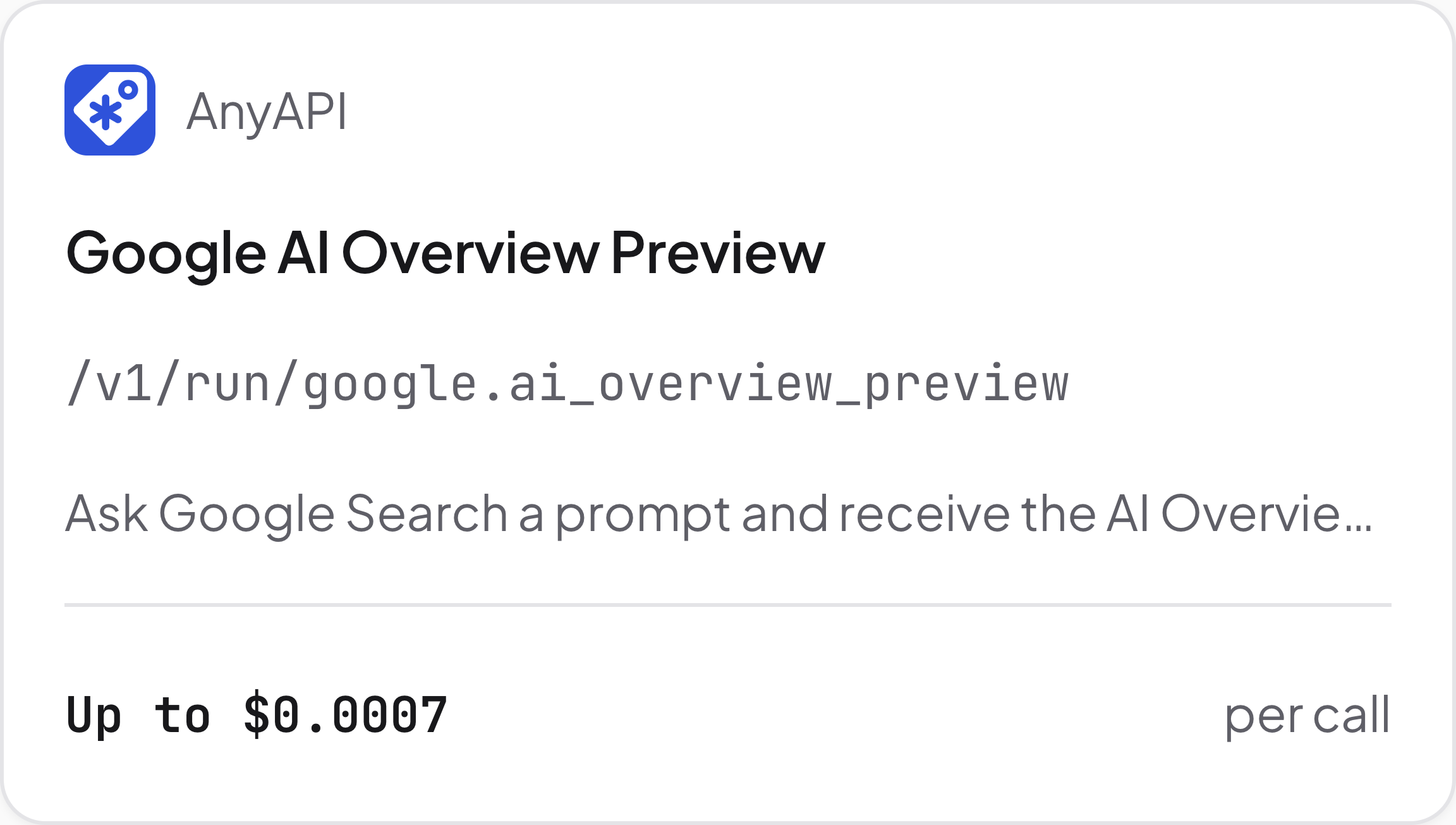
Google AI Overview Preview card. Source: Purrkey tool directory, captured November 12, 2026. The card shows "Up to $0.0007 per call"
Read what the preview returns
The catalog describes the tool as returning the AI Overview "as a searcher first sees it, before selecting Show more": the opening text and the sources linked inside it. Two consequences for the worksheet:
- The answer text can stop mid-sentence, because the preview is cut where the fold falls. Treat it as the opening of the overview, not the finished text
- The citation list covers only the visible part, so it is usually shorter than what Google lists after expanding. If a source you expected is missing, the full overview tool
google.ai_overviewis the one the catalog points to
When Google shows no overview for a keyword, the output has found: false. The contract describes that as a successful call, so it still costs what the run costs. Write "no overview" in the row and move on
The output contract also says Google regenerates the overview on each search, so the same prompt can return different wording and different sources. Treat one pull as a snapshot with a date, and re-run a keyword before deciding on a rewrite. The catalog does not state which country or device the preview reflects, so do not describe it as what searchers everywhere see
Add the organic results for context
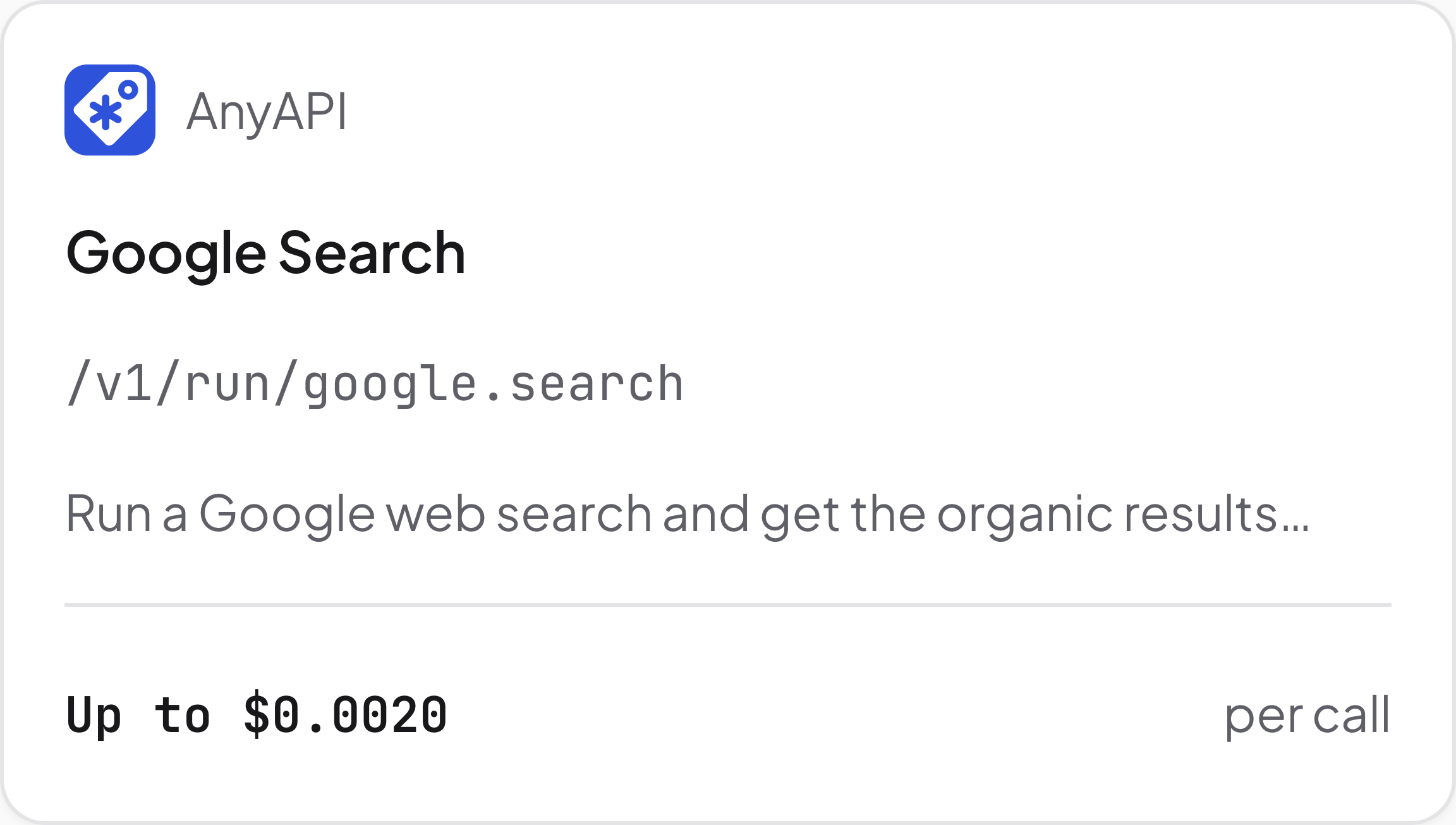
Google Search card. Source: Purrkey tool directory, captured November 12, 2026. The card shows "Up to $0.0020 per call"
anyapi.google.search returns about 10 organic results per call, with title, link, snippet and position. The catalog says Google stopped honoring larger result counts in September 2025, so asking for more than 10 still returns about one page. For this task the first page is enough: you only need to see whether your page ranks and whether the cited sources overlap with the ranking pages
When the sheet is filled, sort each row into one of three decisions. A page that ranks but is not cited is a candidate for a rewrite aimed at the question the overview answers. A page that is cited needs a check that its text still supports what the overview quotes. A keyword with no overview needs no overview-driven change
Estimated tool cost
Prices from the Purrkey catalog on November 12, 2026. Both tools are listed as max_call, a maximum per call, so the totals are upper bounds
| Plan | Formula | Unit price | Planned quantity | Maximum total |
|---|---|---|---|---|
| AI Overview Preview only | 20 keywords × 1 call | $0.0007 | 20 | $0.014 |
| Organic search for the same keywords | 20 keywords × 1 call | $0.0020 | 20 | $0.040 |
| Both tools | $0.014 + $0.040 | 40 | $0.054 |
The scope is one pass over 20 keywords; the agent's model fees are not counted. A second page of organic results adds one search call per keyword. Check current prices on the Google Search tool page
Run five of your own keywords first and read the overview-shown column before spending on the other 15. Both tools are listed under Google Search
Get started by giving this to your agent
- Claude Code
- Codex
- Gemini CLI
- Cursor
- GitHub Copilot
Set up https://purrkey.app/SKILL.md, then use Purrkey to show me what I can do with Google Search.FAQ
How do I check Google AI Overviews for a list of keywords?
Use `anyapi.google.ai_overview_preview` with each keyword as the prompt, then use `anyapi.google.search` for the same keyword to get the organic results. The article says to check the current tool inputs and price before running.
What does `anyapi.google.ai_overview_preview` return?
The catalog describes it as returning the AI Overview as a searcher first sees it, before selecting Show more. That includes the opening text and the sources linked inside it, and the text can stop mid-sentence.
What happens when Google shows no AI Overview for a keyword?
The output has `found: false`, and the article says that is described as a successful call that still costs what the run costs. Write no overview in the row and move on.
How many organic results does `anyapi.google.search` return per call?
`anyapi.google.search` returns about 10 organic results per call, with title, link, snippet, and position. The catalog says asking for more than 10 still returns about one page because Google stopped honoring larger result counts in September 2025.
How much does it cost to check 20 keywords with both Purrkey tools?
At prices from the Purrkey catalog on November 12, 2026, AI Overview Preview is up to $0.0007 per call and Google Search is up to $0.0020 per call. For 20 keywords with each tool, the article gives a maximum total of $0.054.
Should I rewrite a page that ranks but is not cited in an AI Overview?
The article sorts a page that ranks but is not cited as a candidate for a rewrite aimed at the question the overview answers. A page that is cited needs a check that its text still supports what the overview quotes.
Do I need the full overview tool if a source is missing from the preview?
The citation list in the preview covers only the visible part, so it is usually shorter than what Google lists after expanding. The article says if a source you expected is missing, the full overview tool `google.ai_overview` is the one the catalog points to.
Next step
Try this with Google Search
The tool directory lists every endpoint with its current price. Inspect the inputs there, then let your agent run a small batch before scaling up.