How to convert a web page to Markdown for an AI agent
Turn one public URL into clean Markdown with Context.dev web.scrape, set the output formats, and check credit pricing before the agent runs
On this page
Your agent needs to read the Python pathlib documentation page, and pasting raw HTML into its context wastes space on navigation, scripts and footers. Give it one public URL and ask for Markdown instead. The deliverable is a single .md file plus a short note on what the page returned
The route below uses contextdev.web.scrape. The agent sends the URL, asks for the markdown output only, and stores the text it gets back
Set up the scrape request
Example input for this guide:
| Field | Example value |
|---|---|
url | https://docs.python.org/3/library/pathlib.html |
formats | {"markdown": true} |
maxAgeMs | 0 (fetch the page fresh) |
| Saved as | pathlib.md |
The catalog describes this tool as one that returns "the outputs you enable in formats" and handles PDFs, DOCX, PPT, XLSX and 40 other file formats. formats needs at least one output set to true. Besides markdown, the contract lists html, highlights, json, images, screenshot, parse, product and bytes. For a reading copy, markdown is enough, and the pricing note lists extra credits for highlights, JSON and product (see the cost table)
maxAgeMs is the setting people miss. The contract says cached output up to three days old is accepted by default, and 0 fetches fresh. Leave the default when the page rarely changes, and set 0 when you need today's text
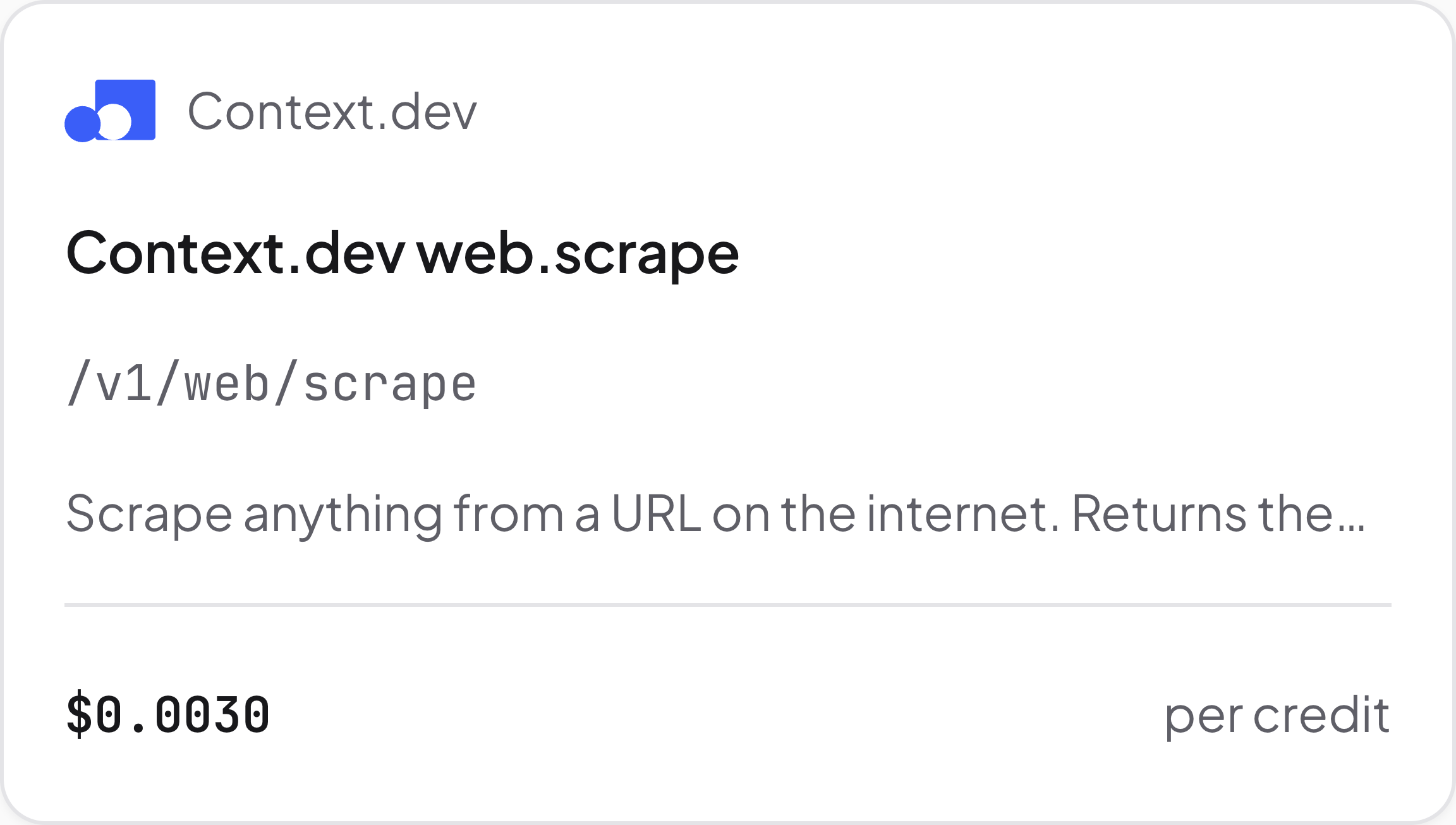
Context.dev web.scrape card. Source: Purrkey tool directory, captured November 12, 2026. The card shows the endpoint path /v1/web/scrape and a price of $0.0030 per credit
Run the agent
Set up https://purrkey.app/SKILL.md, then use Purrkey to convert one web
page to Markdown. Use contextdev.web.scrape on
https://docs.python.org/3/library/pathlib.html with formats.markdown set
to true and maxAgeMs set to 0. Request no other output formats.
Check the current tool inputs and price before running, and keep the
maximum charge at the credits that price allows. Save the Markdown to
pathlib.md. Report the page title, the Markdown length in characters, and
whether the response was marked partial. If the run fails, report the
status and billing instead of retrying with another tool.
The agent inspects the tool first, so it reads the current input schema and price instead of relying on this article. Replace the URL and file name with your own. One run handles one URL. For a list of pages, repeat the run per URL or use the crawl tool, which is a different task with its own pricing
What the agent should hand back
No run was executed for this guide, so the layout below is the output design, not a result:
| Item | What to record | Why it matters |
|---|---|---|
| Saved file | pathlib.md | The copy your agent reads later |
| Title and URL | metadata and url fields returned with the Markdown | Ties the file to its source |
| Partial flag | isPartial from the response | Marks a page where some requested output failed |
| Credits used | creditsUsed and the Run's billing | Gives the real charge to compare with the estimate |
Open the file once. Check that the main text of the page is present and that code samples kept their fences. If the page body is empty or only a cookie banner, the page may sit behind a login or need clicks to reveal its text. The pricing note lists actions as disabled, so this tool will not click through the page for you
Estimated tool cost
Price source: the public catalog read on November 12, 2026, contextdev.web.scrape at $0.003 per credit (unitPriceMicros 3000). The pricing note says to reserve 1 base credit, plus 1 for highlights, 4 for JSON and 1 for product when requested
| Plan | Formula | Quantity | Estimated cost |
|---|---|---|---|
| One page, markdown only | 1 credit x $0.003 | 1 page | $0.003 |
| One page, markdown and JSON | (1 + 4) credits x $0.003 | 1 page | $0.015 |
| Ten pages, markdown only | 1 credit x $0.003 | 10 pages | $0.030 |
These figures cover tool fees only and exclude agent model fees. The limitation to plan around: the pricing note says "Mixed results and target 404s may be charged" and unknown usage is never assumed free. A dead URL can still cost a credit, so check the link before running a batch
Pick a different route when the job differs
The catalog lists two other tools for the same job. firecrawl.scrape reads one public page as Markdown or a supported provider record and allows 1 credit per ordinary URL at $0.005 per credit. anyapi.web.scrape returns Markdown, HTML or raw HTML plus title and metadata at a listed maximum of $0.0015 per call, and its inputs include onlyMainContent, includeTags, excludeTags and waitFor. For one ordinary page the listed ceilings are $0.003 (Context.dev), $0.005 (Firecrawl) and $0.0015 (AnyAPI); the first two are credit prices and the third is a per-call maximum. Pick Context.dev for the maxAgeMs freshness control and the file formats in its description, AnyAPI for tag filtering and waitFor, and Firecrawl if the rest of your workflow already runs on its search and batch tools. Check the live Firecrawl card before switching
Pick a page you have already read yourself, so you can judge the saved Markdown against the original. The tool sits in the Context.dev directory
Get started by giving this to your agent
- Claude Code
- Codex
- Gemini CLI
- Cursor
- GitHub Copilot
Set up https://purrkey.app/SKILL.md, then use Purrkey to show me what I can do with Context.dev.FAQ
How do I convert one public web page to Markdown with Purrkey?
Use `contextdev.web.scrape` with the page URL, set `formats.markdown` to true, and set `maxAgeMs` to `0` if you need today's text. Request no other output formats and save the Markdown to a file such as `pathlib.md`.
What does maxAgeMs do in contextdev.web.scrape?
The contract says cached output up to three days old is accepted by default, and `0` fetches fresh. Leave the default when the page rarely changes, and set `0` when you need today's text.
Which output formats can contextdev.web.scrape return?
Besides `markdown`, the contract lists `html`, `highlights`, `json`, `images`, `screenshot`, `parse`, `product` and `bytes`. `formats` needs at least one output set to `true`.
How much does contextdev.web.scrape cost for one page in Markdown only?
The estimate is 1 credit x $0.003, or $0.003 for one page. These figures cover tool fees only and exclude agent model fees. The pricing note says mixed results and target 404s may be charged, so a dead URL can still cost a credit.
How much does markdown plus JSON cost with contextdev.web.scrape?
The estimate is (1 + 4) credits x $0.003, or $0.015 for one page. These figures cover tool fees only and exclude agent model fees.
Can contextdev.web.scrape click through a page to reveal more text?
The pricing note lists actions as disabled, so this tool will not click through the page for you. If the page body is empty or only a cookie banner, the page may sit behind a login or need clicks to reveal its text.
What should the agent report after a contextdev.web.scrape run?
The prompt asks the agent to report the page title, the Markdown length in characters, and whether the response was marked partial. The output design also records `metadata` and `url`, `isPartial`, `creditsUsed`, and the Run's billing.
Next step
Try this with Context.dev
The tool directory lists every endpoint with its current price. Inspect the inputs there, then let your agent run a small batch before scaling up.