How to export the comments on a TikTok video
Turn one TikTok video URL into a sortable comment table, with replies for chosen comments and a bounded number of pages
On this page
Your team posted one TikTok video and wants to know what viewers asked or pushed back on. Give the agent that video's URL, export a fixed number of comment pages, add replies for a few comments, and end with a table the analyst can sort and code by theme, question and objection
This is different from researching creators through their videos, which samples one comment page per creator. Here the unit is a single video, and you decide how deep to read
Example input and the table to deliver
Example: a launch video for a sunscreen stick, https://www.tiktok.com/@brandname/video/7000000000000000000, with five comment pages and replies for up to five comments. The handle and id are placeholders
The agent should return one row per comment or reply. The columns below are the worksheet design; fill a cell only when the tool returned that field and leave it blank otherwise
| Column | Filled from | Used for |
|---|---|---|
comment_id | The comment id in the returned data | Requesting its replies |
parent_comment_id | Empty for top-level comments, parent id for replies | Grouping a thread |
author, text | Returned comment fields | Reading and coding |
likes | Returned like count | Sorting after export |
reply_count | replies field on the AnyAPI route; TikHub fields unconfirmed | Choosing which threads to open |
page | The page number the agent requested | Showing how deep the export went |
theme, is_question, objection | Your coding, added after export | Answering what viewers ask and resist |
The last three columns are not tool output. Code them after the export, using only the text column
Prompt for the agent
Set up https://purrkey.app/SKILL.md, then use Purrkey to export the
comments on this TikTok video: [video URL].
Use only the [AnyAPI or TikHub] comment and reply tools listed for
TikTok. Check the current tool inputs and price before running. Read at most
5 pages of top-level comments, following the cursor from each response,
and stop earlier if a page comes back empty. Then pick up to 5 comments
that show a high reply count when it is returned, or that read as
unanswered questions, and read one page of replies for each.
Return one table with comment_id, parent_comment_id, author, text, likes,
reply_count and page. Leave fields the tool does not return blank.
Do not add other videos or accounts.
Page through top-level comments
The catalog lists two routes for this step. tikhub.tiktok.app.v3.fetch_video_comments takes a video id (aweme_id), a cursor and a count for page size. The id is the long number after /video/ in the URL. anyapi.tiktok.video_comments takes the video URL and a cursor; the contract has no page-size field. Choose one route per export: the AnyAPI output documents a replies count per comment, which the reply-selection step below uses, while TikHub costs less per call but the catalog does not list the fields it returns
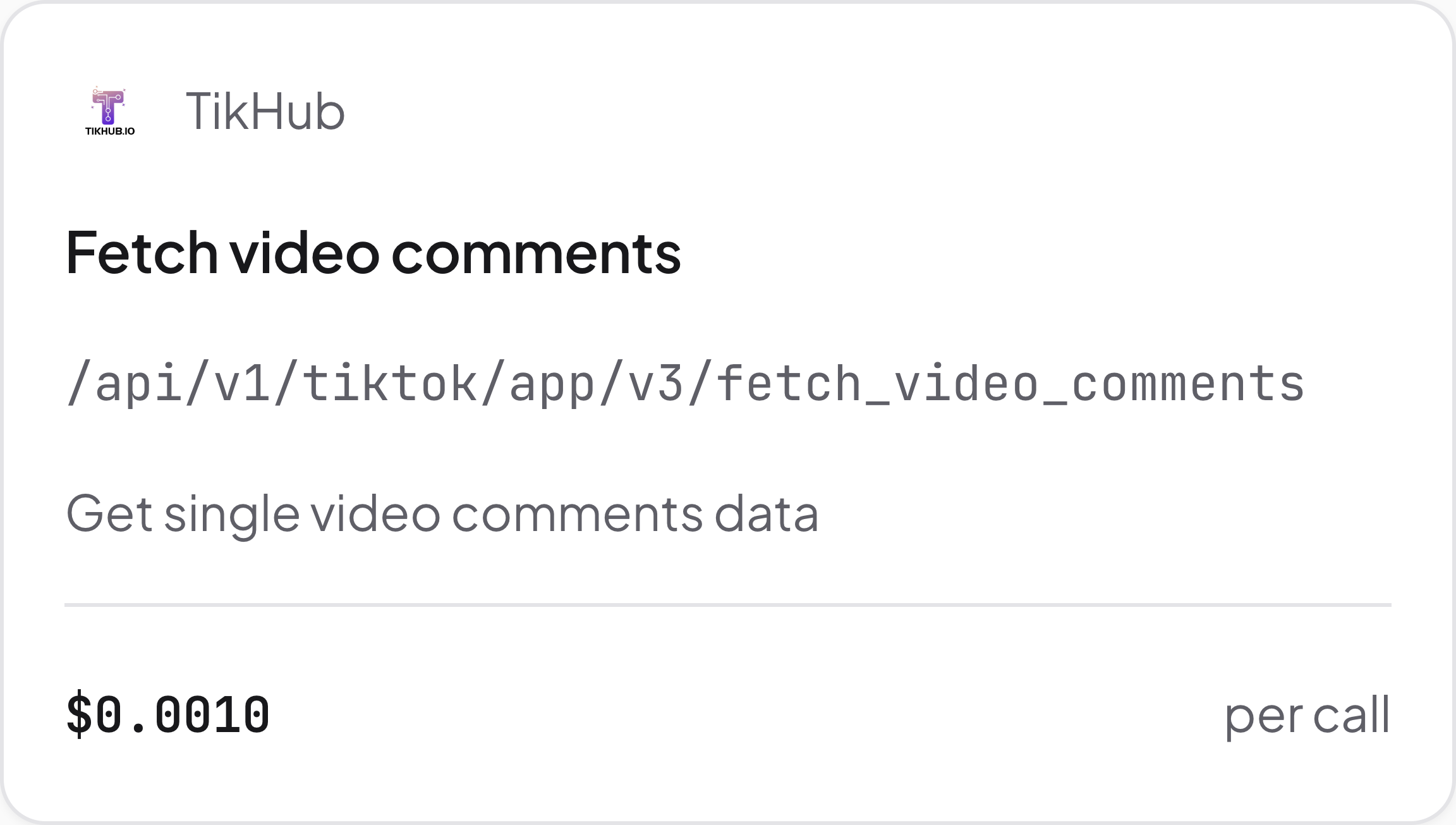
TikHub video comments card. Source: Purrkey tool directory, captured November 12, 2026. The card shows a flat price of $0.0010 per call
Pagination is by cursor. The first call starts at the default cursor, and each later page needs the cursor from the previous response, so pages cannot be fetched in parallel or skipped. Neither contract has a sort field, which means the export is the comments in returned order, not the top comments by likes. Sort in the sheet afterwards, and say in your notes that the sheet covers only the pages you read
Stop at the page limit even if the cursor suggests more. A video with more comments than five pages hold leaves the rest unread, and the sheet should say so
Add replies for selected comments
Open threads only where the sheet shows a reason: a high reply_count or a question that looks unanswered. tikhub.tiktok.app.v3.fetch_video_comment_replies takes item_id (the video id), comment_id, cursor and count. anyapi.tiktok.comment_replies takes the video url and commentId, plus a cursor. Its description says the comment id is the cid from the comments endpoint, so keep that value from step one
Replies get their own rows with parent_comment_id set. One page per selected comment is enough for coding; add pages only for a thread you will quote
Code the sheet
With the export saved, add theme, is_question and objection by reading each text cell. Three passes keep it manageable: tag the questions first, then the objections (price, ingredients, shade), then group what is left into themes. Keep the original text beside each tag so a reviewer can disagree with your coding
Two price units
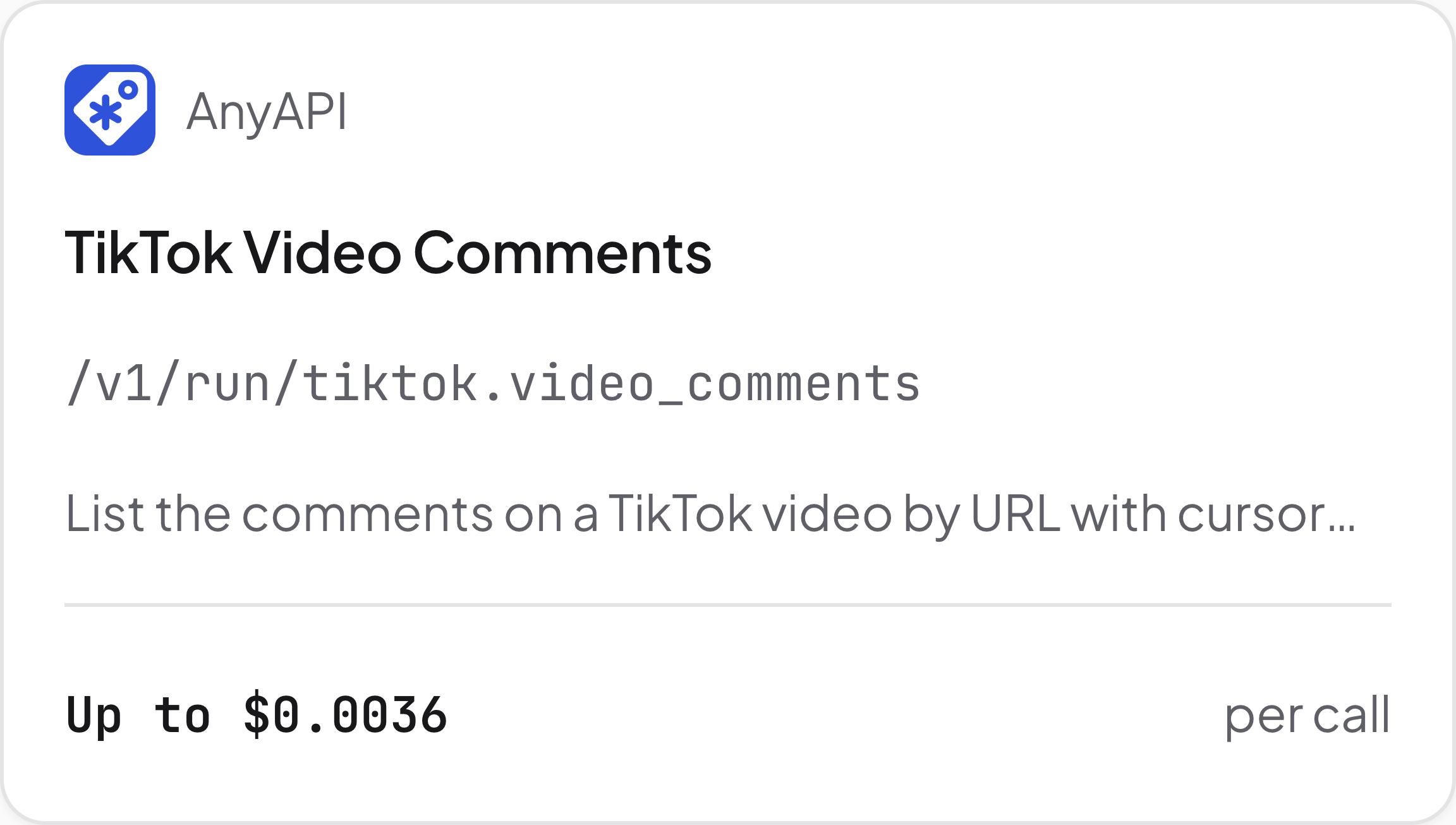
AnyAPI video comments card. Source: Purrkey tool directory, captured November 12, 2026. The card reads "Up to $0.0036 per call", a ceiling rather than a flat price. Compare it with the TikHub card
The TikHub tools are listed with unit call: a fixed per-call price, and successful empty results are charged. The AnyAPI tools use unit max_call: the catalog describes it as a maximum per call, and successful runs settle at the actual AnyAPI charge. The listed AnyAPI figure is a ceiling for planning, not a final charge. If a unit looks unclear on the day you run, check the TikTok tool page
Estimated tool cost
Prices from the Purrkey catalog on November 12, 2026. Formula: calls × listed unit price. The plan is 5 comment pages plus 5 reply pages, so 10 calls
| Route | Tools | Unit price | Planned calls | Estimated total |
|---|---|---|---|---|
| TikHub | fetch_video_comments, fetch_video_comment_replies | $0.001 per call | 10 | $0.010 |
| AnyAPI | anyapi.tiktok.video_comments, anyapi.tiktok.comment_replies | $0.0036 per max call | 10 | up to $0.036 |
Scope is tool calls only; Agent model fees are excluded. The count assumes the video id is already known. For N comment pages and R reply pages, multiply N plus R by the unit price. Because TikHub charges per call and empty results are charged, a page that returns nothing still costs $0.001
Point the prompt at one of your own videos with the page limit set to 2, and check the sheet before raising it. The four tools are on the TikTok directory
Get started by giving this to your agent
- Claude Code
- Codex
- Gemini CLI
- Cursor
- GitHub Copilot
Set up https://purrkey.app/SKILL.md, then use Purrkey to show me what I can do with TikTok.FAQ
How do I export the comments on a TikTok video with Purrkey?
Set up https://purrkey.app/SKILL.md, then use Purrkey to export the comments from one TikTok video URL. Read at most 5 pages of top-level comments, then read one page of replies for up to 5 selected comments.
Which fields does the TikTok comment export table include?
The table includes comment_id, parent_comment_id, author, text, likes, reply_count, and page. Add theme, is_question, and objection after export by reading the text column.
What inputs does the TikHub TikTok video comments tool use?
tikhub.tiktok.app.v3.fetch_video_comments takes a video id as aweme_id, a cursor, and a count for page size. The video id is the long number after /video/ in the video URL.
What inputs does the AnyAPI TikTok video comments tool use?
anyapi.tiktok.video_comments takes the video URL and a cursor, and the contract has no page-size field. Use one route per export.
How much does it cost to export 5 comment pages and 5 reply pages?
With TikHub the estimate is $0.010 for 10 calls at $0.001 per call. With AnyAPI the estimate is up to $0.036 for 10 max calls at $0.0036 per max call, and agent model fees are excluded.
Can I sort TikTok comments by likes before export?
Neither comment contract has a sort field, so the export is in returned order, not top comments by likes. Sort in the sheet afterwards.
What should I do if the TikTok comment tool does not return a field?
Leave fields the tool does not return blank. Fill a cell only when the tool returned that field.
Next step
Try this with TikTok
The tool directory lists every endpoint with its current price. Inspect the inputs there, then let your agent run a small batch before scaling up.