How to find a work email from a name and company domain
Turn a short list of names and company domains into candidate work emails, then check each address before anything is sent
On this page
You have five people you want to contact, each with a full name and the domain of the company they work for, and no email addresses. Run each pair through an email-finding tool to get a candidate address, then check that address with a verifier before it goes into a mailing tool
The worksheet below is the deliverable: one row per person, with the found address, a verification status and your decision. This guide shows the setup and the cost; no run has been executed for it, so the table is a design, not a result
Example input and worksheet design
Example pairs, with invented people and the reserved example domains:
| Name | Domain |
|---|---|
| Maria Lindqvist | lindqvist-bakery.example |
| Tom Okafor | okafor-plumbing.example |
| Priya Raman | ramanlegal.example |
| Jonas Weber | weber-print.example |
| Ana Duarte | duarte-studio.example |
The agent fills a table with these columns. Values here are placeholders showing the shape
| Name | Domain | Found email | Verify status | Decision |
|---|---|---|---|---|
| Maria Lindqvist | lindqvist-bakery.example | (address or empty) | good, risky or bad | keep, review or drop |
An empty found email is a normal outcome and the row stops there. Only rows with an address go to the second step
Step 1: find a candidate address
anyapi.email_finding.quickenrich takes firstName, lastName and companyDomain, or a LinkedIn profile URL. The catalog describes it as: "Find a work email from a LinkedIn profile, or from a company domain plus a name. Coverage is strongest for small and local businesses and thin for large technology employers."
That coverage line decides which lists suit it. A list of independent bakeries, plumbers and law firms fits the description. A list of engineers at large software companies is the case the catalog calls thin, so expect many empty rows and test five before you commit to fifty
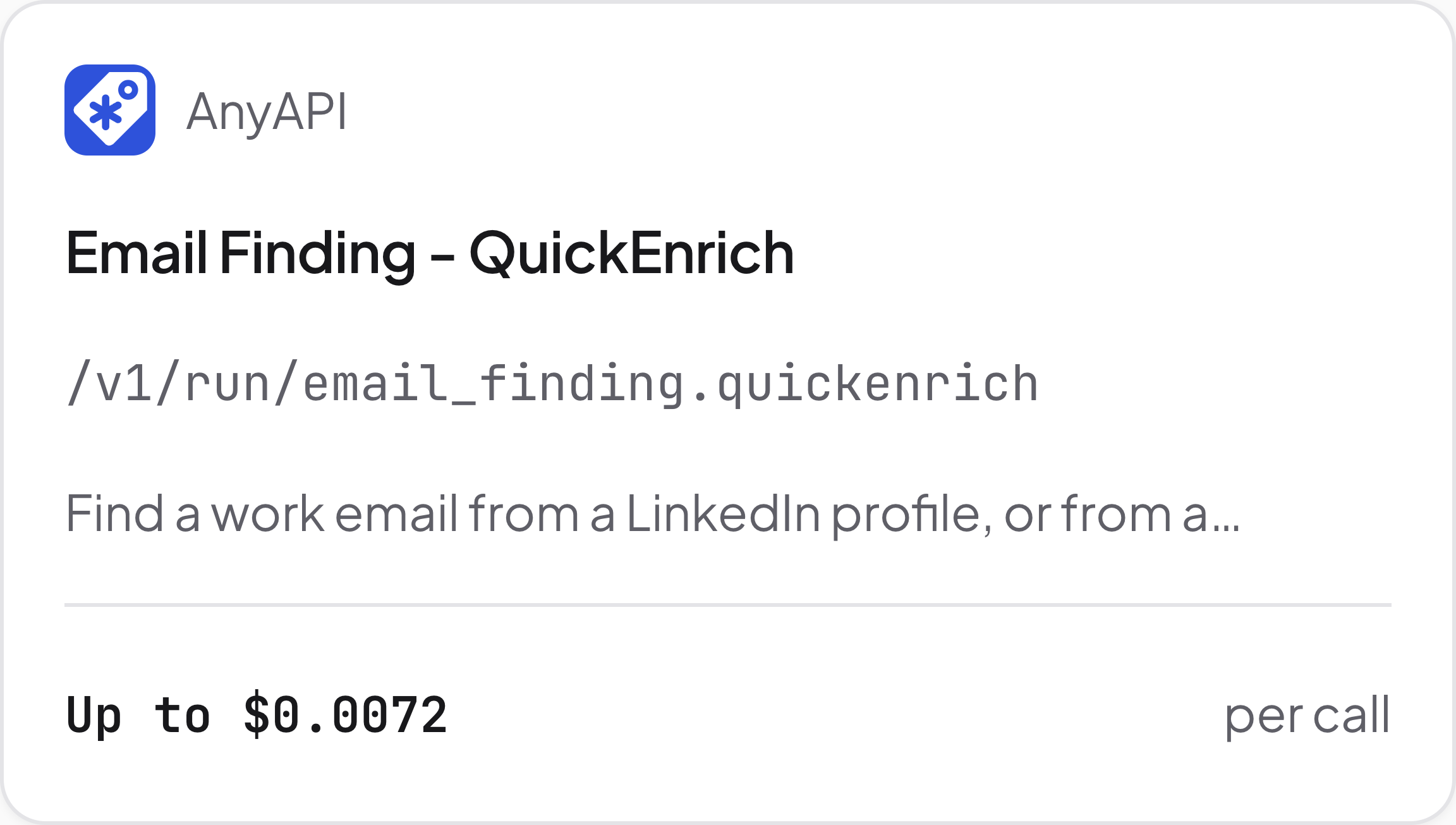
Email Finding card. Source: Purrkey tool directory, captured November 12, 2026. The card shows "Up to $0.0072 per call"
Step 2: verify before you use it
A found address is a candidate until it is checked. anyapi.email.verify returns a status of good, risky or bad, with domain, mailbox, catch-all, disposable and role signals plus a confidence score
The billing rule is in the catalog description: malformed addresses are rejected by the input schema with no charge, while any syntactically valid address returns a billed verdict, including undeliverable ones. A bad result still costs a call
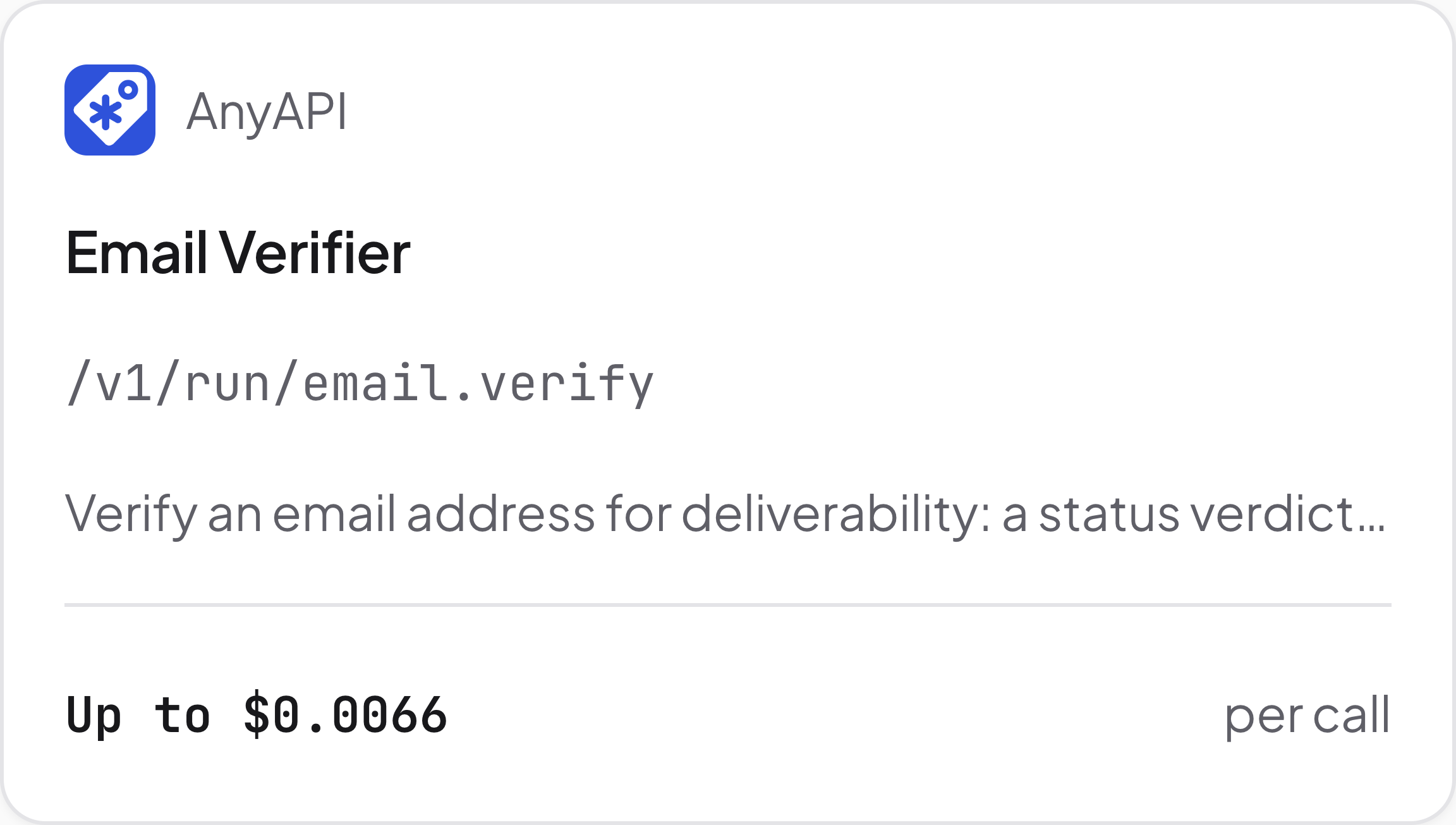
Email Verifier card. Source: Purrkey tool directory, captured November 12, 2026. The card shows "Up to $0.0066 per call"
Use the status to fill the decision column:
- good: keep the address; the contract defines it as the mailbox accepted
- risky: keep it out of the first send and review it by hand. The contract says risky means no source could settle the address, usually a catch-all domain that accepts any address
- bad: drop it, since the mailbox was refused, and leave the person without an email
The agent prompt
Set up https://purrkey.app/SKILL.md, then use Purrkey to find work emails
for the five name and domain pairs below. Check the current inputs and
price of anyapi.email_finding.quickenrich and anyapi.email.verify before
running anything. Call the finder once per pair. Call the verifier once
for each address the finder returns, and skip pairs with no address.
Return a table with name, domain, found email, verify status and
decision (keep, review or drop). Leave the email empty when nothing was
found. Do not guess addresses and do not send any email.

Maria Lindqvist, lindqvist-bakery.example
Tom Okafor, okafor-plumbing.example
Priya Raman, ramanlegal.example
Jonas Weber, weber-print.example
Ana Duarte, duarte-studio.example
Replace the example pairs with your own. The verifier's input schema rejects reserved TLDs such as .example, so the placeholder domains above cannot be verified as written. Keep the first run to five rows so you can see how many come back empty
Estimated tool cost
Prices from the Purrkey catalog, read November 12, 2026. Both tools are listed as max_call: the catalog says "Maximum per call. Successful runs settle at the actual AnyAPI charge", so the totals below are ceilings, not settled charges
| Step | Formula | Unit price | Planned quantity | Total |
|---|---|---|---|---|
| Find | calls x max price | $0.0072 per call | 50 | $0.36 |
| Verify | calls x max price | $0.0066 per call | 50 | $0.33 |
| Two-step plan | $0.69 |
The scope is 50 pairs with an address found for each one. If only 30 pairs return an address, the verify step covers 30 calls, at most $0.198, and the plan drops to at most $0.558. Model fees for the agent are not counted. The first run of five pairs is at most $0.036 for finding plus $0.033 for verifying
Before you send
A verified address says the mailbox looks deliverable. It does not say the person agreed to hear from you. Email-sending laws and consent rules apply in many places, so check the ones that cover your recipients before sending; this guide is not legal advice
Five rows are enough to see how many come back empty. The two tools are listed under People data
Get started by giving this to your agent
- Claude Code
- Codex
- Gemini CLI
- Cursor
- GitHub Copilot
Set up https://purrkey.app/SKILL.md, then use Purrkey to show me what I can do with People data.FAQ
How do I find a work email from a name and company domain?
Run each name and company domain pair through an email-finding tool to get a candidate address, then check that address with a verifier before it goes into a mailing tool. Only rows with an address go to the second step.
What inputs does anyapi.email_finding.quickenrich take?
It takes firstName, lastName and companyDomain, or a LinkedIn profile URL.
What does anyapi.email.verify return?
It returns a status of good, risky or bad, with domain, mailbox, catch-all, disposable and role signals plus a confidence score.
What do good, risky and bad verification statuses mean?
good means keep the address because the mailbox accepted; risky means keep it out of the first send and review it by hand; bad means drop it because the mailbox was refused and leave the person without an email.
How much does it cost to find and verify 50 work emails?
The two-step plan for 50 pairs with an address found for each one is at most $0.69: finding is $0.0072 per call for 50 calls, $0.36, and verifying is $0.0066 per call for 50 calls, $0.33. If only 30 pairs return an address, the verify step covers 30 calls at most $0.198 and the plan drops to at most $0.558.
What happens if a found email address is malformed or undeliverable?
Malformed addresses are rejected by the input schema with no charge, while any syntactically valid address returns a billed verdict, including undeliverable ones. A bad result still costs a call.
Why can't the example .example domains be verified?
The verifier's input schema rejects reserved TLDs such as .example, so the placeholder domains in the article cannot be verified as written.
Next step
Try this with People data
The tool directory lists every endpoint with its current price. Inspect the inputs there, then let your agent run a small batch before scaling up.