How to pull the latest posts under an Instagram hashtag
Turn one campaign hashtag into an hourly table of the newest public posts, with the fields that drive a reshare decision, a cursor loop and the cost ceiling for 24 pulls a day
On this page
You run one campaign hashtag and need the newest public posts under it, collected each hour into a table of author, caption, post URL, media count and posting time, so user content worth resharing surfaces the day it appears. anyapi.instagram.hashtag_recent_posts reads the live chronological feed for that tag and returns posts newest first
The tables below are designs with placeholder values. One real call on the tag coffee was made for this guide, and its result follows the field guide
The deliverable table
One row per post, keyed on the media id so an hourly pull does not write the same post into the sheet twice
| username | caption | url | carouselCount | mediaType | createdUtc | hashtags | decision |
|---|---|---|---|---|---|---|---|
| (author) | (text) | (permalink) | (empty or integer) | photo or video | epoch seconds | #tag | reshare or skip |
carouselCount is absent on a single-image post, so leave that cell empty instead of writing a zero. mediaType comes from the type field inside the media array, which the contract describes as one of photo or video
One hashtag per call
hashtag is the only required field, described as the hashtag to monitor, without the leading #, with a minimum length of one character. An invented example:
| hashtag |
|---|
| coffee |
Replace coffee with the campaign tag before anything runs. Do not paste the # in
The tool takes one hashtag per call. Three campaign tags mean three calls per hourly pull, not one call with a list. A hashtag with no public posts comes back with found false and reason set to not_found; the contract says that is a successful call, not an error, and that costUsd is what it actually cost
cursor is the optional second field, described as a pagination cursor from a previous response's nextCursor. Nothing else goes in
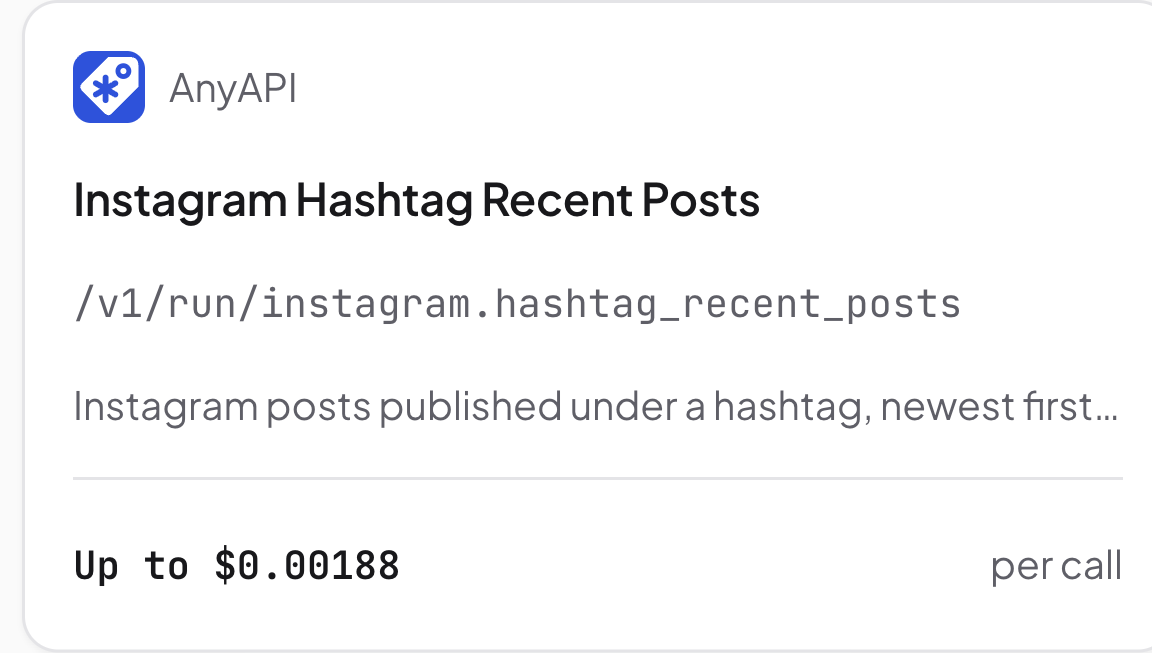
Instagram Hashtag Recent Posts card. Source: Purrkey tool directory, captured November 12, 2026. The card shows "$0.00188 per call"
Reading the fields that drive a decision
found sits at the top level next to data. When data is not null it holds posts and nextCursor, and the contract fixes the order as newest first
Required on each post are id, shortcode, url, caption and username, and those five fill the reshare table. createdUtc arrives as a UTC epoch timestamp in seconds, so multiply by 1000 for a JS Date in milliseconds. hashtags lists the tags carried in the caption, each including its leading #, which is how a post that wrote the campaign tag differently gets caught. carouselCount reports the item count of a carousel and is absent on a single-image post. mentions holds the accounts @mentioned in the caption
Engagement is not a decision field here. The contract says counts are usually zero because the posts are minutes old, so likes and comments cannot rank a feed this fresh, and countsHidden only records whether the author hid the like and view counts. This tool is for freshness. Popularity-ranked results sit behind instagram.hashtag_top_posts, a different tool that this guide does not cover. Reels do not appear in this feed either, since the contract notes that Instagram keeps them on a separate tab, so a video inside media is the rare case
Pagination runs on nextCursor, an opaque cursor or null when the lane has no more. Pass it back as cursor and repeat. Each page is a separate billed call, which is why the cost table counts pages rather than pulls
What one real call returned
One call was made on November 12, 2026 with hashtag set to coffee. Run run_01a1cfd7-bab0-7d10-8255-b9d5c6c3dcde settled at $0.00188, the full ceiling
| Field | Value returned |
|---|---|
data.posts | 27 posts |
posts with likes 0 | 17 of 27 |
posts with carouselCount | 9 |
spread of createdUtc | 649 seconds, about 11 minutes, newest first |
data.nextCursor | a string |
The spread confirms what the contract says about freshness: one page of a busy tag covers about 11 minutes of posting, so an hourly pull of a tag like this needs several pages to avoid gaps, and 17 of 27 posts had no likes yet. Read the spread on your own tag before you fix the pull interval
The agent prompt
Set up https://purrkey.app/SKILL.md, then use Purrkey to pull the newest posts under the hashtag coffee with anyapi.instagram.hashtag_recent_posts and return a reshare table.
Check the current inputs and price of anyapi.instagram.hashtag_recent_posts before running anything. Pass hashtag as coffee, with no leading #. For more than the first page, pass the previous response's nextCursor back as cursor and stop when nextCursor is null, counting each page as one call.
Do not rank by likes or comments; the posts are minutes old and those counts are usually zero. If found is false, return an empty table plus the reason instead of guessing at posts.
Return a table with username, caption, url, carouselCount, mediaType, createdUtc, hashtags and decision (reshare or skip). Repeat once an hour for 24 hours and give me a table per pull.
Swap coffee for the campaign tag and ask for the table back rather than a paragraph, so rows paste straight into the sheet. Run the first pull by hand and read createdUtc against the clock before you schedule the other 23
Estimated tool cost
Prices are from the Purrkey catalog, read through inspect on November 12, 2026, under price revision anyapi-catalog-2026-11-05. The tool runs through POST /v1/runs with toolId anyapi.instagram.hashtag_recent_posts and is billed at unit max_call, which the catalog explains as "Maximum per call. Successful runs settle at the actual AnyAPI charge". The totals below are ceilings, not settled charges
| Step | Formula | Unit price | Planned quantity | Total |
|---|---|---|---|---|
| Hourly pull, one page | 24 calls x max price | $0.00188 per call | 24 | $0.04512 |
| Hourly pull, three pages | 72 calls x max price | $0.00188 per call | 72 | $0.13536 |
| Trial, three pulls | 3 calls x max price | $0.00188 per call | 3 | $0.00564 |
A found: false hashtag is still a successful call. Agent model fees are not counted in these totals
Next action
Open the Instagram hashtag recent posts tool page and run the campaign tag once. Read createdUtc and nextCursor on that first response, then decide whether 24 pulls a day need one page or three
Get started by giving this to your agent
- Claude Code
- Codex
- Gemini CLI
- Cursor
- GitHub Copilot
Set up https://purrkey.app/SKILL.md, then use Purrkey to show me what I can do with Instagram.FAQ
What does the Instagram hashtag recent posts API return?
One page of posts under a hashtag, newest first, plus a nextCursor for the following page. Each post carries id, shortcode, url, caption and username, with optional fields such as carouselCount, createdUtc, hashtags and media.
Do I pass the hashtag with or without the # sign?
Without. The contract describes hashtag as the hashtag to monitor, without the leading #, and requires at least one character.
Why are likes and comments usually zero on these posts?
The contract says engagement counts are usually zero because the posts in this feed are minutes old. Use the tool for freshness and not for popularity.
How many billed calls does one pull take?
One call per page. Pass the previous response's nextCursor back as cursor and stop when nextCursor is null, and count each page as its own call.
Can I monitor several hashtags in one call?
No. hashtag is a single required field, so three campaign tags mean three calls per pull, not one call with a list.
What comes back when a hashtag has no public posts?
found is false with reason not_found. The contract says a found: false answer is a successful call, not an error, and costUsd is what it actually cost.
How much does hourly monitoring cost per day?
At most $0.04512 per day for one page per hour, at the $0.00188 per call ceiling. Three pages per hour is at most $0.13536 per day.
Next step
Try this with Instagram
The tool directory lists every endpoint with its current price. Inspect the inputs there, then let your agent run a small batch before scaling up.