How to pull public LinkedIn profile data for a list of people
Turn a sheet of public LinkedIn profile URLs into one structured row per person, and choose between the basic and full profile routes by the fields your sheet needs
On this page
You have a sheet of 25 public LinkedIn profile URLs, say speakers at a conference or people on a partner's team page, and want one row per person with name, location and current employer filled in. Your agent reads each URL, calls a profile route once, and writes the fields the route returns into the row
Which route to use depends on the columns you want. The cheaper route leaves out fields that the fuller one returns, so decide on columns first and price second
Pick the route by the columns you need
Purrkey lists three profile routes for LinkedIn. The field lists below summarize the catalog descriptions as read on 2026-11-12
| Route | Fields the catalog lists | Price unit and listed price |
|---|---|---|
anyapi.linkedin.profile_thin (basic) | Name, avatar, location, followers, public id, current company, basic experience and education list (company and dates; job titles and connections label only where source and profile show them) | $0.0012 per call, maximum |
anyapi.linkedin.profile (full) | Name, headline, avatar, location, connections and followers, current position, full work experience with titles, descriptions and dates, education, skills, certifications, awards, languages, projects, publications, verified, premium and open-to-work flags | $0.0042 per call, maximum |
tikhub.linkedin.web_v2.get_user_profile | The catalog description is only "Get user profile" and lists no fields; read the output schema in inspect before relying on any column | $0.008 per call, charged even if empty |
The basic description does not list a headline and says past companies may be redacted. Its output schema does include a headline field, but marks it null when the serving source does not publish it, so a headline column filled from the basic route can come back empty. If the sheet needs a Headline or full work history, use the full route. If you only need name, location and current company to match a list against a CRM, the basic route is enough. Both AnyAPI routes take the profile URL as input. For the third route, check its input in inspect before putting it in a plan, since the catalog does not describe it
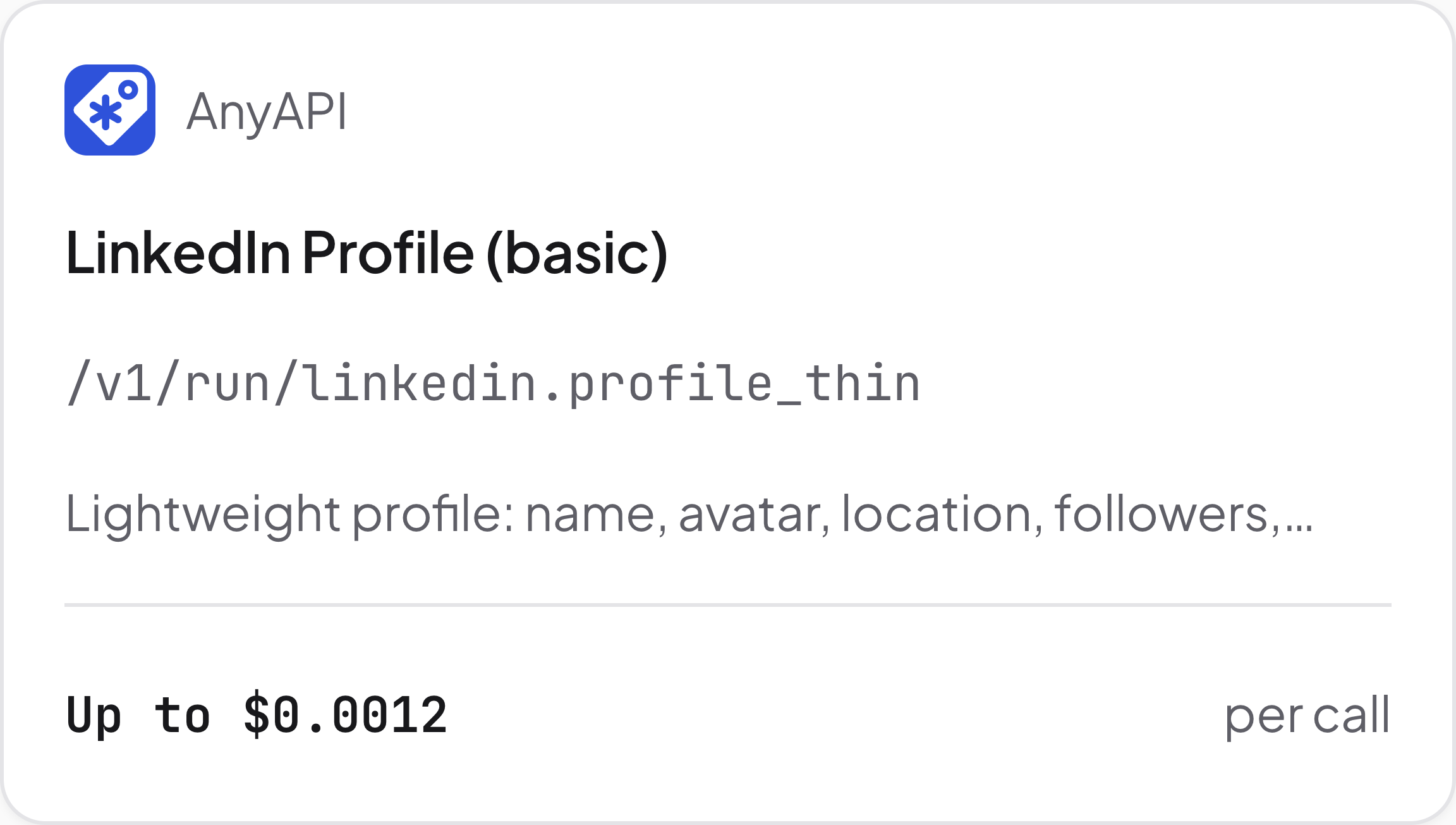
LinkedIn Profile (basic) card. Source: Purrkey tool directory, captured November 12, 2026. The card shows "Up to $0.0012 per call"
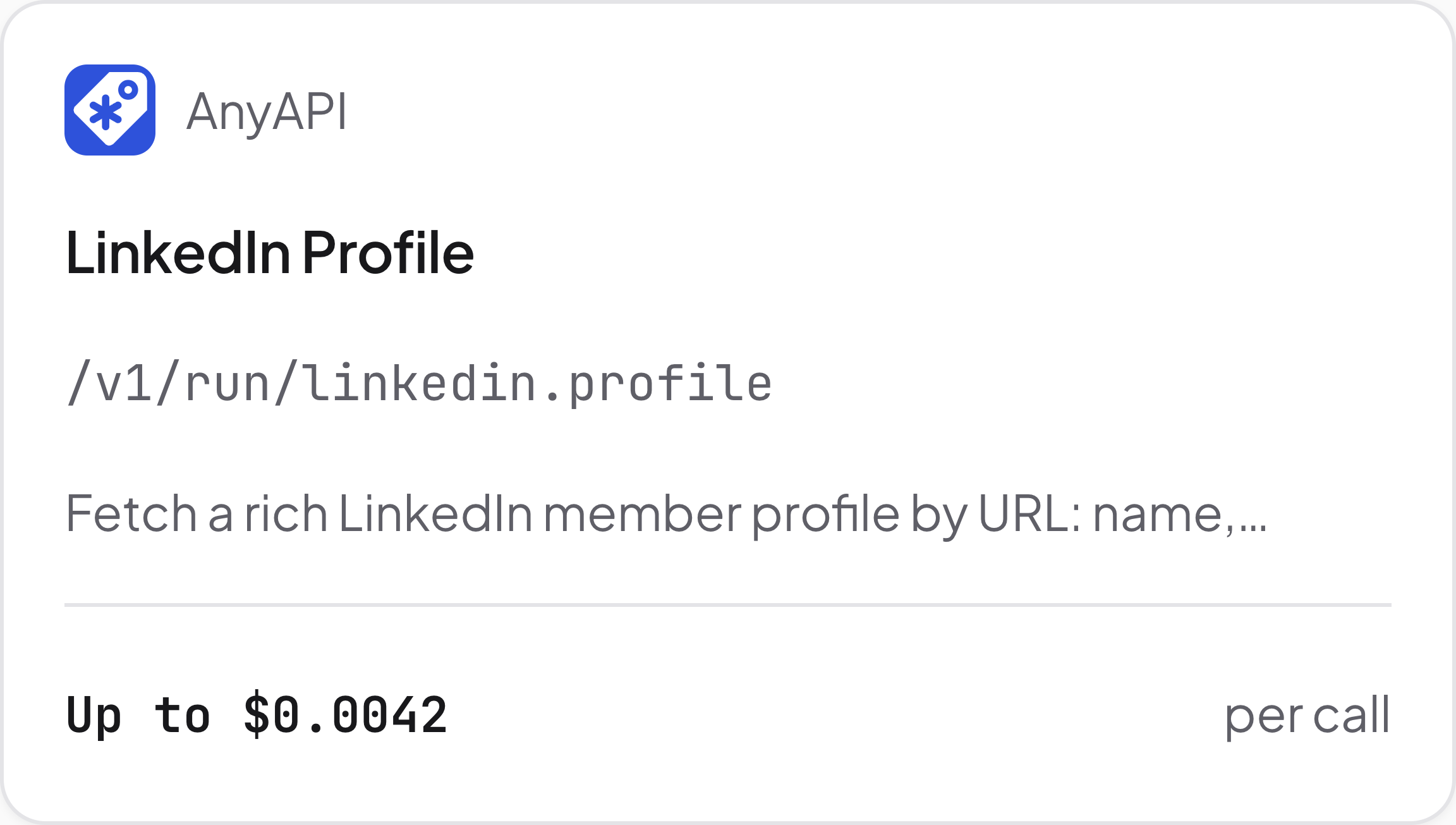
LinkedIn Profile card. Source: Purrkey tool directory, captured November 12, 2026. The card shows "Up to $0.0042 per call", the higher ceiling of the two routes
Prepare the sheet
Keep the URL column as the key and add one column for each field you decided on. Remove duplicates and URLs that are not personal profile pages first, because each row becomes a paid call
Example input, three rows of the 25. These URLs are placeholders:
| url | name | location | current company | status |
|---|---|---|---|---|
https://www.linkedin.com/in/example-one/ | ||||
https://www.linkedin.com/in/example-two/ | ||||
https://www.linkedin.com/in/example-three/ |
This is the output design, not a result. The status column holds filled, field not returned or profile not found, so each blank cell has a stated reason
Run the agent
Set up https://purrkey.app/SKILL.md, then use Purrkey to fill my LinkedIn profile sheet.
Input: the url column below, 3 rows first. Use anyapi.linkedin.profile_thin.
Check the current tool inputs and price before running, and tell me the
maximum cost for the full list. Call the tool once per URL and do not retry
failed rows. Write name, location and current company into the sheet. Leave a cell blank
when the tool does not return the field, and set status to filled,
field not returned, or profile not found. Do not look up profiles that are not in the sheet.
For the full route, swap in anyapi.linkedin.profile and add headline and current position as two more columns and to the field list. General installation steps are in the Purrkey docs
Estimated tool cost for 25 profiles
The two AnyAPI routes are listed as a maximum per call, so their totals are ceilings. The TikHub route is a fixed $0.008 per call, charged even when the result is empty
| Plan | Formula | Unit price | Quantity | Total |
|---|---|---|---|---|
| Basic route, 25 profiles | 25 × $0.0012 | $0.0012 | 25 | $0.030 |
| Full route, 25 profiles | 25 × $0.0042 | $0.0042 | 25 | $0.105 |
| Third route, 25 profiles | 25 × $0.008 | $0.008 | 25 | $0.200 |
The scope is one call per profile URL with no retries or other tools. Agent model fees are excluded. A three-row trial costs at most $0.0036 on the basic route or $0.0126 on the full route, which is enough to see whether the returned fields fill your columns
Public profiles only
The routes are described for public profiles. Both AnyAPI routes return found: false with reason not_found for a missing profile, and the basic route can also return unavailable, which the contract says means the platform did not show the profile to the source (it may not exist or may need a signed-in viewer). Record either as profile not found; a found: false answer is a successful call and is still billed at the actual cost. You are responsible for using the data in line with LinkedIn's terms and the privacy rules that apply to the people on your list
Fill the first three rows and read the status column before you queue the other 22. The routes are listed on LinkedIn
Get started by giving this to your agent
- Claude Code
- Codex
- Gemini CLI
- Cursor
- GitHub Copilot
Set up https://purrkey.app/SKILL.md, then use Purrkey to show me what I can do with LinkedIn.FAQ
How do I pull public LinkedIn profile data for a list of people with Purrkey?
Prepare a sheet with the URL column as the key and one column for each field you decided on. The agent reads each URL, calls a profile route once, and writes the fields the route returns into the row.
Which Purrkey LinkedIn profile route should I choose?
Choose by the columns your sheet needs. Use `anyapi.linkedin.profile_thin` if you only need name, location and current company, and use `anyapi.linkedin.profile` if the sheet needs Headline or full work history.
How much does it cost to pull 25 LinkedIn profiles with Purrkey?
For 25 profiles, the basic route is 25 × $0.0012, or $0.030, and the full route is 25 × $0.0042, or $0.105. The third route is 25 × $0.008, or $0.200; the AnyAPI routes are listed as a maximum per call, and the third route is charged even if empty. Agent model fees are excluded.
What do I do with duplicates and non-profile URLs in the LinkedIn sheet?
Remove duplicates and URLs that are not personal profile pages before running the agent, because each row becomes a paid call. Keep the URL column as the key and add one column for each field you decided on.
What does `profile not found` mean for a LinkedIn profile call?
Both AnyAPI routes return `found: false` with reason `not_found` for a missing profile, and the basic route can also return `unavailable`. Record either as `profile not found`; a `found: false` answer is a successful call and is still billed at the actual cost.
How can I test Purrkey LinkedIn profile data before running the full list?
Fill the first three rows and read the status column before you queue the other 22. A three-row trial costs at most $0.0036 on the basic route or $0.0126 on the full route.
What should I check before using the TikHub LinkedIn profile route?
The catalog description is only `Get user profile` and lists no fields, so read the output schema in `inspect` before relying on any column. Check its input in `inspect` before putting it in a plan, since the catalog does not describe it.
Next step
Try this with LinkedIn
The tool directory lists every endpoint with its current price. Inspect the inputs there, then let your agent run a small batch before scaling up.