How to build a local business lead list with source evidence
Find Berlin coffee roasters through Maps, check their websites and collect company and contact-page links
On this page
Build a list of coffee-roasting businesses in Berlin, with website and contact-page links. Start from Maps, check whether each business roasts coffee, then add company information where a LinkedIn page is available
For this example, use a minimum Maps rating of 4.5 and investigate up to three businesses. The rating narrows the initial search; the website check determines whether a business belongs on a roaster list
Set up https://purrkey.app/SKILL.md. Find coffee roasters in Berlin,
Germany. Inspect current tools and prices with the requested filters.
Search Maps once for up to ten places rated at least 4.5. Choose up to
three candidate businesses with distinct websites. Fetch each website
to check roasting activity, then at most one linked public contact
page per business. Fetch at most six URLs in total. Look up one
LinkedIn company page per business only if its exact URL is available.
Return qualifying businesses with addresses, sources and contact-page
links. List uncertain matches separately. Do not guess emails or send
outreach, paginate, or replace excluded candidates with extra lookups.
Search Maps for Berlin coffee roasters
Use anyapi.maps.search with query: coffee roaster and location: Berlin, Germany. The checked inputs support a limit of ten and placeMinimumStars: fourAndHalf for the 4.5 rating threshold. Have the agent check the current quote with these filters before executing
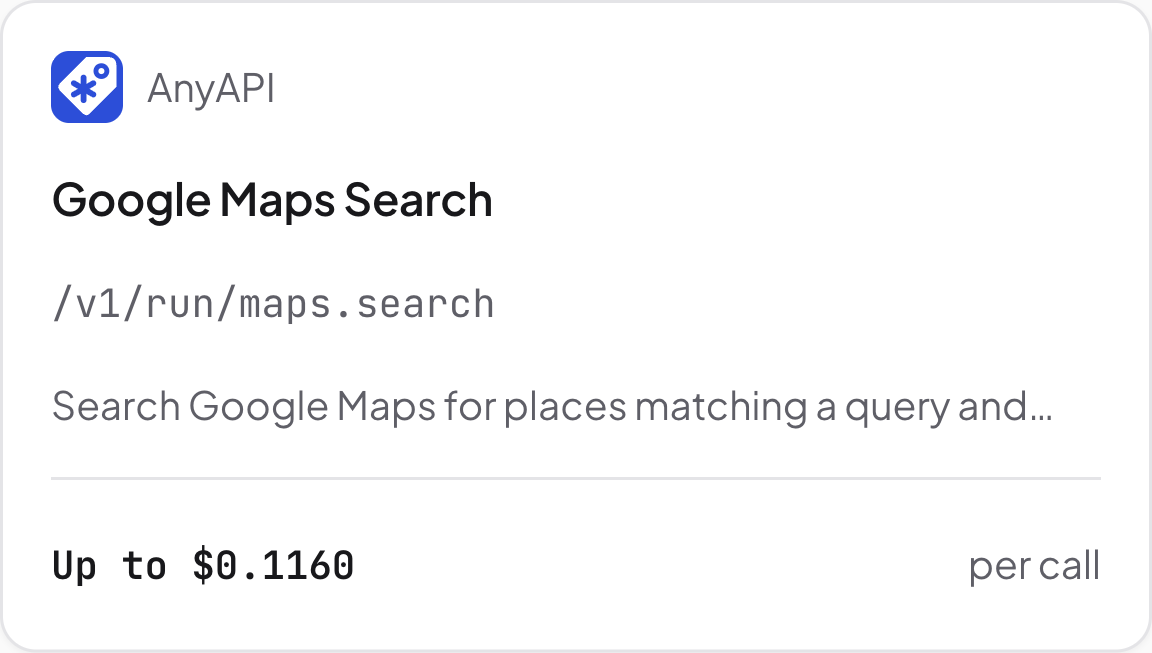
Maps Search tool. Source: Purrkey tool directory, captured November 5, 2026
Keep the place name, address, identifier, rating, review count and website when returned. Choose up to three candidate businesses with distinct websites to investigate. If several places share a website, group them for checking rather than spending the three-business allowance on three branches of the same company
A place without a returned rating cannot be checked against the 4.5 threshold. Leave it outside this filtered list rather than assigning a rating
Check roasting activity on each website
Use tinyfish.fetch to read each chosen website. Confirm that its name and location match the Maps place, then look for a description of roasting, a roastery or coffee the business roasts itself
A café may serve excellent coffee while buying its beans from another roaster. Keep it off this list unless the website establishes the roasting activity you are looking for. If the fetched text does not answer that question, put the business in the uncertain group
For a qualifying business, follow a contact-page link actually found on its website. Request links with the fetch when supported. Save the contact URL even if it offers only a form; an email address is not required for this list. This plan allows one website and one contact page per candidate, up to six fetched URLs in total
Add a LinkedIn company page when you have its URL
A LinkedIn company profile can add context to the businesses you have identified. Use anyapi.linkedin.company only when the reviewed material provides an exact company-page URL
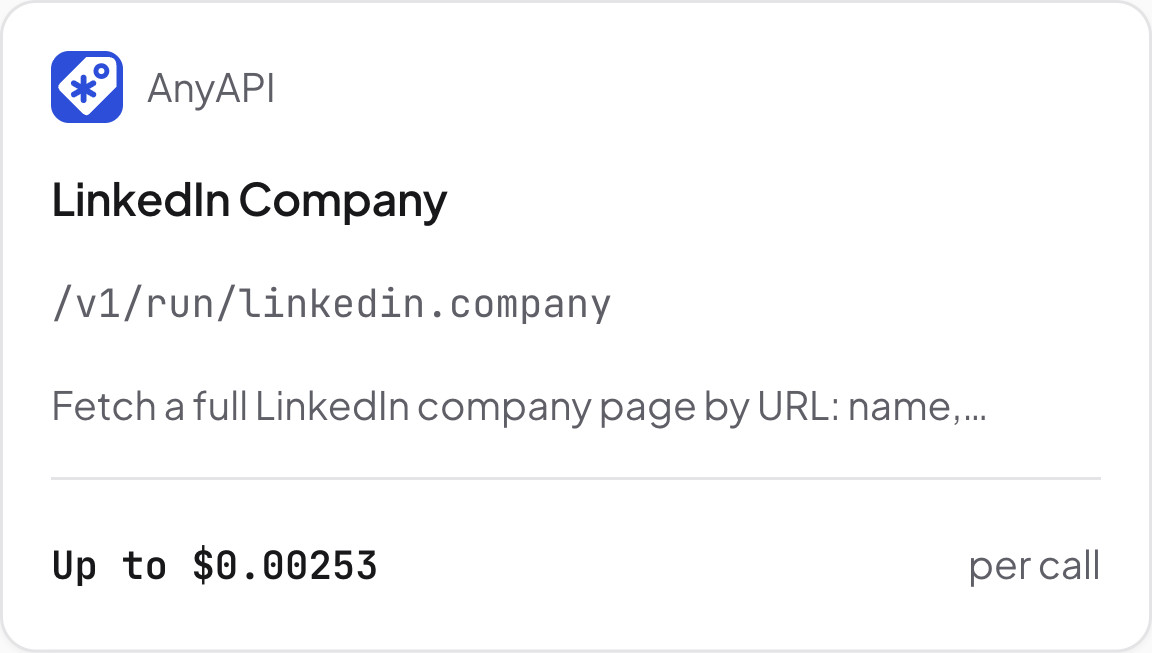
LinkedIn company lookup. Source: Purrkey tool directory, captured November 5, 2026
The tool takes a full LinkedIn company URL, not a Maps place ID or a business name. Skip this lookup when the URL is unavailable. If the profile covers a parent company, label it that way; company-wide headcount should not appear as the staff count of one Berlin shop
Export one row per confirmed business
Combine locations only after checking that they belong to the same business. Keep the addresses under that business's row, alongside its website, the page describing its roasting activity, the contact-page link and any matched LinkedIn profile
Add a short note explaining why it belongs on the list, based on the roasting description you found. Put uncertain website or company matches in a separate section. The result may contain fewer than three qualifying businesses; this first pass stops without adding more searches
Estimated tool cost for three candidates
Public Purrkey prices captured November 5, 2026 give this planning allowance:
| Planned work | Price basis | Quantity | Estimated allowance |
|---|---|---|---|
| Maps search | Up to $0.116 per call | 1 call | $0.116 |
| Website and contact-page fetches | $0.001 per successful URL | Up to 6 URLs | $0.006 |
| LinkedIn company lookup | Up to $0.00253 per call | Up to 3 calls | $0.00759 |
| Full plan | Three candidate businesses | About $0.130 |
The displayed-rate sum is $0.12959. It assumes six successful URL fetches and three known LinkedIn URLs; skipped lookups reduce the work. Maps pricing can depend on the selected filters, so confirm the filtered quote before execution. Extra searches and Agent model fees are excluded
Begin with Maps search to prepare the business list for your team