How to compare competitor ads and landing-page offers
Find two brands' Meta and Google ads, then compare the advertised offers with their landing-page terms
On this page
You are planning a promotion for an espresso brand and want to see what two competitors advertise in the same country. Collect their Meta and Google ads, then open a few destination pages to check the offer terms
The result should put each ad's promise beside the corresponding page conditions: which machines qualify, whether a coupon is needed and when the offer expires, where those details are available
Set up https://purrkey.app/SKILL.md. Compare [brand A] and [brand B]
using [domain A] and [domain B] in [country]. Inspect current tools
and prices. Request one page of Meta ads and one page of Google ads
per brand. Keep ads that match the supplied businesses and record
the collection date and filters. Fetch up to three distinct ad
landing-page URLs in total. Return the ad text beside its page's
terms, with both source links. Flag missing terms or conflicting
models. Do not infer advertising spend or conversions.
Replace the brand names, domains and country before running the prompt. Use the brands' own regional domains so the lookup starts from the businesses you intend to compare
Find the brands' Meta and Google ads
For Meta, anyapi.facebook.ads_search accepts a keyword in query and a country. Search once for each brand. Check the returned advertiser name and identifier: an ad mentioning the brand may come from a reseller
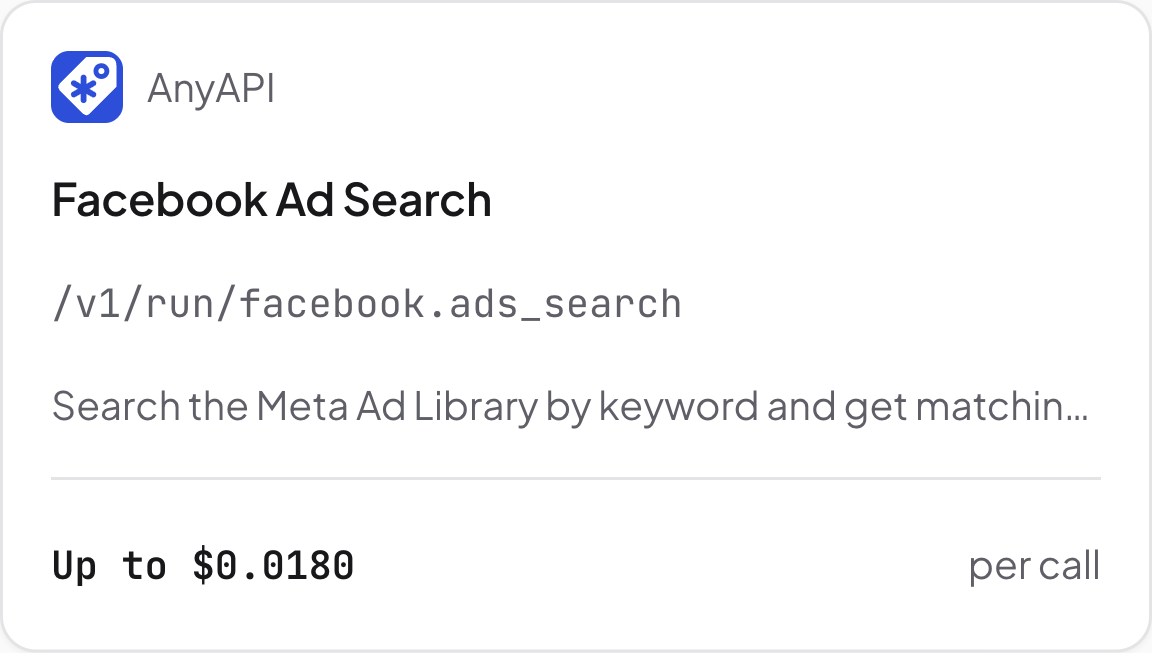
Meta ad search. Source: Purrkey tool directory, captured November 5, 2026
For Google, use anyapi.google_ads.company_ads with the company's domain or a known advertiserId. It uses that identifier instead of Meta's brand-name keyword
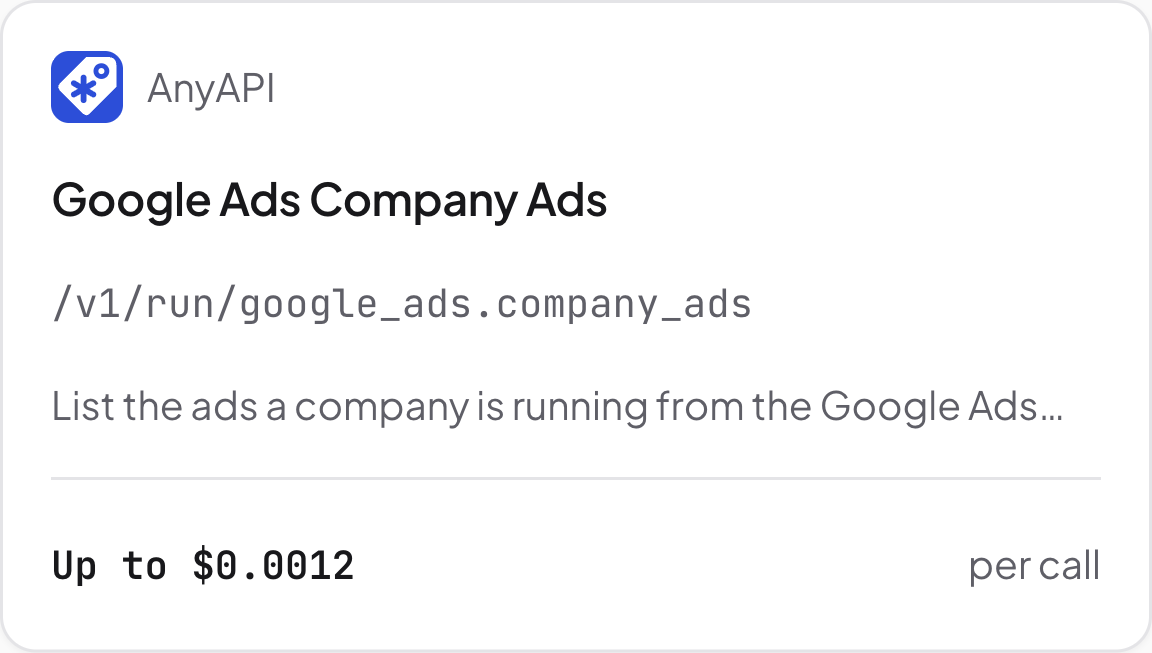
Google company ads. Source: Purrkey tool directory, captured November 5, 2026
Save the ad text, advertiser, ad identifier and destination URL when returned. Remove repeated ad IDs before choosing pages to read. One page from each source is a sample of offers, so its size does not measure a brand's advertising activity
If you add date filters, inspect their meaning first. The checked Meta dates refer to impressions, while Google's refer to when an ad was first shown. The same date range therefore selects different sets of ads. Record the filters alongside the collection date instead of presenting them as an identical campaign window
Open up to three offer pages
Choose up to three distinct destination URLs across both brands, including a page from each brand when available. Use tinyfish.fetch to request those URLs as Markdown
For each retrieved page, find the offer mentioned in its ad. Read the nearby conditions: eligible models, coupon instructions, country restrictions and expiry dates. Keep those details next to the ad text, rather than shortening the offer to its headline discount
If a page returns only navigation or consent text, mark its terms as unavailable. If it describes a different model, keep the ad and page links together for manual checking. Do not fill in terms from another offer
Compare the offers side by side
Ask for one row per selected ad, containing the brand, platform, ad text, landing-page terms, both URLs and collection date. Where several ads use the same page, reuse the retrieved page text
The completed comparison should make the terms easy to check. For a discount limited to selected machines, include the eligibility wording beside the headline so you can see which products it covers. It cannot tell you which ad converts better, since this workflow does not retrieve conversion data
Estimated tool cost for two brands
Using Purrkey's public prices captured November 5, 2026:
| Planned work | Price basis | Quantity | Estimated allowance |
|---|---|---|---|
| Meta ad search | Up to $0.018 per call | 2 calls | $0.036 |
| Google company ads | Up to $0.0012 per call | 2 calls | $0.0024 |
| TinyFish Fetch | $0.001 per successful URL | Up to 3 URLs | $0.003 |
| Full plan | Four ad calls and one URL batch | $0.0414 |
The estimate covers one page per ad source per brand and three successfully fetched URLs. Extra pages, another extractor and Agent model fees are excluded. Check the current quotes before running the task
Start with the Facebook ad tools and your two brand/domain pairs