How to export the comments on a Xiaohongshu note
Pull one public Xiaohongshu note's comments into a table of nickname, text, time and likes, with a cursor loop that costs $0.01 per page
On this page
You have one brand note about a coffee machine sitting at 14 comments and you need those comments as a table: nickname, text, time, a like count where the response gives one, and a mark for whether the brand replied. tikhub.xiaohongshu.app_v2.get_note_comments returns the supplier's JSON for one note per call, and the table is what you build from it
The endpoint has no fixed output schema, so the field names below come from one real call made for this guide on November 12, 2026, shown after the field guide; the values in the tables are placeholders showing the shape
The table you are building
One row per comment, one call per page. Six columns cover the job: the objection or question in content, who wrote it, when, how much agreement it drew, and whether the brand answered
| comment id | nickname | content | time | likes | brand replied |
|---|---|---|---|---|---|
(from id) | (from user) | (text) | (converted) | (number or empty) | yes, no or unknown |
Values here are placeholders showing the shape. The nickname lives inside the user object, and the contract records that object without listing its keys, so open the first response and note which key holds the name before you write the parser. The same caution applies to the reply mark: sub_comment_count above zero says a thread exists under a comment, and whether the brand is the one who wrote into it has to be read from sub_comments[] on the page you have
Example input, invented for this guide:
| field | value |
|---|---|
note_id | 65f0c0de00000000aa0b0001 |
Swap in the 24-character hex ID of the note you actually want
The input, one query object and one public note
Six fields go inside the query object, and the note travels in one of two of them. note_id takes the 24-character hex ID. share_text takes a share link on xiaohongshu.com, xhslink.com or xhslink.cn. Send one, the other, or both if you already have both
index starts at 0. cursor stays empty on the first request and takes the value the response hands back. sort_strategy accepts default, latest_v2 (the default) or like_count. pageArea accepts UNFOLDED (the default) or FOLDED. Nothing sits outside query
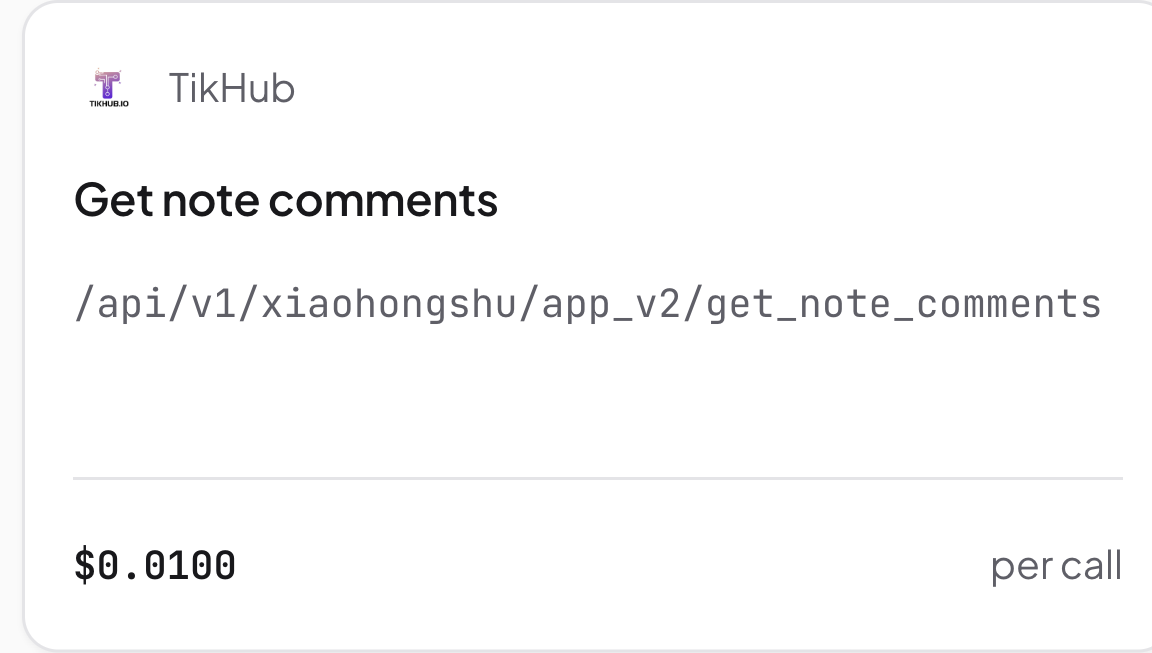
Get note comments card. Source: Purrkey tool directory, captured November 12, 2026. The card shows the path /api/v1/xiaohongshu/app_v2/get_note_comments and "$0.0100 per call"
The limit that bites here: the note has to be public. A wrong or private ID comes back as an empty comment list rather than an error, and the call is billed at the full $0.01. A blank page is not proof that the note has no comments, so check the ID against the app before you read anything into an empty result
Reading the fields that drive the table
The response is the supplier's JSON as it came, without a billing or debug envelope. data.comments is an array, and the entries carry id, content, time, user, at_users, status, hidden, liked, score, like_count, sub_comment_count, sub_comments and note_id
time is an integer rather than a formatted date, so convert it with a stated assumption and keep the raw number beside it. hidden and status decide whether a comment belongs in the sheet at all, so read them before you filter. liked describes the calling account, not the crowd
likes is the column to be careful with. The run sample carries both score and like_count, and the contract does not label either one as a like count. Record what the page gives you and leave the cell empty when the mapping is unclear, rather than writing a number you cannot defend in a report about customer objections
Two counters sit at the top of data. comment_count is the note's total and comment_count_l1 is the top-level count, which is the number your row total should approach if you page to the end. current_sort_strategy echoes the order you asked for, which matters when a sheet gets passed around and nobody remembers whether it was sorted by recency or by likes
The note's own view and like counts do not come from this endpoint. They come from a different tool, covered at https://purrkey.app/blog/xiaohongshu-note-details-by-id
Paging through the thread
data.has_more is the switch and data.cursor is the handle. Send the first request with cursor empty, then repeat the call with query.cursor set to the value from the page before. Each page is one call and one $0.01 charge, so a 14-comment note that fits on a single page costs one call
A note with a long thread costs more than its comment count suggests, because replies ride along inside sub_comments on the parent comment and the cursor decides what the next page holds. Read has_more instead of assuming a page size
What one real call returned
One call was made on November 12, 2026 with note_id 6ae066600000000015004f64, a public video note about choosing a home coffee machine, index 0, an empty cursor and sort_strategy latest_v2. Run run_01a1cfd9-7a87-791c-bf70-f1868607666d settled at $0.01
| Field | Value returned |
|---|---|
data.comments | 10 rows on the first page |
data.has_more | true |
data.comment_count / data.comment_count_l1 | 14 / 12 |
user.nickname | present on every row, next to user.red_id and user.userid |
like_count and score on the first rows | both 0 |
sub_comment_count | present; sub_comments is the array under it |
time | Unix seconds, for example 1794394876 |
So the nickname key is user.nickname, time is Unix seconds, and a 14-comment note did not fit on one page: 10 rows came back with has_more true, so the second page costs a second $0.01. The first rows also carried ip_location, which the table design above does not use
The agent prompt
Set up https://purrkey.app/SKILL.md, then use Purrkey to pull the comments on
a Xiaohongshu note into a table with tikhub.xiaohongshu.app_v2.get_note_comments.
Check the current inputs and price of tikhub.xiaohongshu.app_v2.get_note_comments
before running anything. Put each field inside the query object: note_id
65f0c0de00000000aa0b0001 (example placeholder, replace with the real ID),
index 0, cursor empty, sort_strategy latest_v2, pageArea UNFOLDED. Read the
first page and list the field names you actually see before building the
table; this endpoint returns the supplier's raw JSON with no fixed schema,
so do not assume a field exists. Page by sending the returned data.cursor
while data.has_more is true, one call per page. Return a table with comment
id, nickname from the user object, content, time, likes and brand replied.
Leave the likes cell empty when score and like_count are not clearly a like
count, and write unknown in the reply cell when sub_comments does not settle
it. Do not guess. Report data.comment_count and data.comment_count_l1 beside
the row total.
Run it on the one note before you point it at a list of twenty
Estimated tool cost
The tool runs through POST /v1/runs with toolId tikhub.xiaohongshu.app_v2.get_note_comments and bills at unit call, $0.01 per call (unitPriceMicros 10000), read through inspect on November 12, 2026. A real run on that date settled at exactly $0.01. Treat the totals below as a ceiling on tool spend
| Step | Formula | Unit price | Planned quantity | Total |
|---|---|---|---|---|
| One note, one page | 1 call x unit price | $0.01 per call | 1 | $0.01 |
| Twenty notes, two pages | 40 calls x unit price | $0.01 per call | 40 | $0.40 |
Agent model fees are not counted here
Next action
Open the Xiaohongshu comments tool page, run the example note or one of your own, and read the first page's real field names before you spend the $0.40
Get started by giving this to your agent
- Claude Code
- Codex
- Gemini CLI
- Cursor
- GitHub Copilot
Set up https://purrkey.app/SKILL.md, then use Purrkey to show me what I can do with Xiaohongshu.FAQ
How do I get the comments from a Xiaohongshu note?
Send the note ID or a share link to tikhub.xiaohongshu.app_v2.get_note_comments with index 0 and an empty cursor. The response carries data.comments, data.has_more and data.cursor, and each page is one call.
What input does tikhub.xiaohongshu.app_v2.get_note_comments take?
Six fields inside a query object: note_id, share_text, index, cursor, sort_strategy and pageArea. Nothing sits outside query.
How do I page through a thread with more comments?
Repeat the call while data.has_more is true, sending the previous response's data.cursor as query.cursor. Each page is billed as one call at $0.01.
Why did the endpoint return an empty comment list?
A wrong or private note ID comes back as an empty list rather than an error, and the call is still billed at $0.01. Check the ID in the app before treating an empty page as a note with no comments.
Does the score field mean likes?
The contract does not label score or like_count as a like count. Leave the likes column empty when the mapping is unclear instead of writing a number you cannot defend.
How much does it cost to export comments from 20 notes?
At two pages per note that is 40 calls at $0.01 per call, so $0.40. One note on a single page is $0.01.
What is the difference between comment_count and comment_count_l1?
comment_count is the note's total comment count and comment_count_l1 is the top-level count, which is the number your row total should approach when you page to the end.
Next step
Try this with Xiaohongshu
The tool directory lists every endpoint with its current price. Inspect the inputs there, then let your agent run a small batch before scaling up.