How to find an Instagram account by name
Search a company name on Instagram, choose a matching username and retrieve its profile details
On this page
You have “Patagonia” in a company worksheet and need its Instagram account. Search the company name to find candidate usernames, choose the one that matches the business, then retrieve its profile details
A matching name is a starting point. Before adding the account to your worksheet, compare it with an Instagram link on the company's own website, if one is available
Start with the identifier you have
| Starting input | Example input | First action |
|---|---|---|
| Company name | Patagonia | Search users by keyword |
| Username | patagonia | Look up the username directly |
| Profile URL | https://www.instagram.com/patagonia/ | Extract patagonia, then look it up |
These examples illustrate the input formats. If you already have a username, skip the name search. A post or reel URL identifies content, so first find the account that published it
For a company name, begin with this prompt:
Set up https://purrkey.app/SKILL.md. Inspect Instagram user search and
its current price. Search for Patagonia once. List up to five returned
candidates with their usernames, display names and profile links when
available. Keep regional accounts distinct. Stop before profile lookups
so I can choose one username.
Search the name and choose a candidate
The agent uses tikhub.instagram.v2.search_users with keyword: Patagonia. Keep the details returned for each candidate, leaving absent fields blank
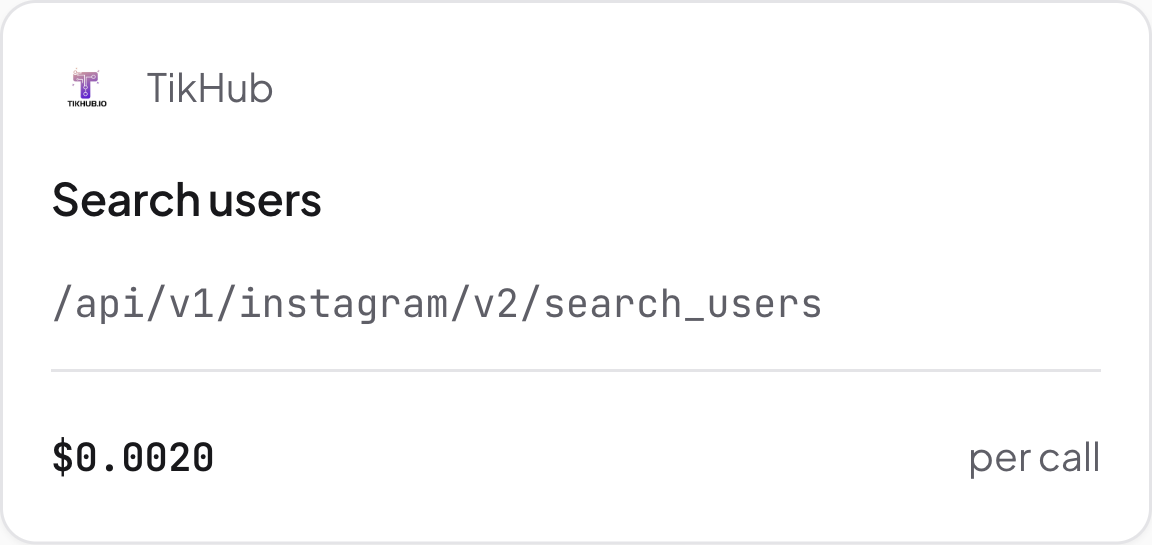
Instagram user search. Source: Purrkey tool directory, captured November 5, 2026
Compare the usernames and descriptions with the company and region you need. A global account and a regional account may serve different purposes. Follower count does not resolve which one belongs in your worksheet
Open the company's own website and check its Instagram link. If it points to a candidate username, save that website URL with your selection. If it points elsewhere or has no Instagram link, leave the association unconfirmed rather than choosing solely by name or logo
Retrieve the chosen profile
Once you have chosen a username, give the agent a second instruction:
Inspect tikhub.instagram.v1.fetch_user_info_by_username and its price.
Look up [chosen username] once. Return the profile details that are
available, keeping the requested username beside the result. Leave
missing fields blank. Do not look up other candidates.
Replace the bracketed text with the username, without a full profile URL. The lookup takes username; the directory's grouped versions are alternatives to inspect, not extra calls required for this task
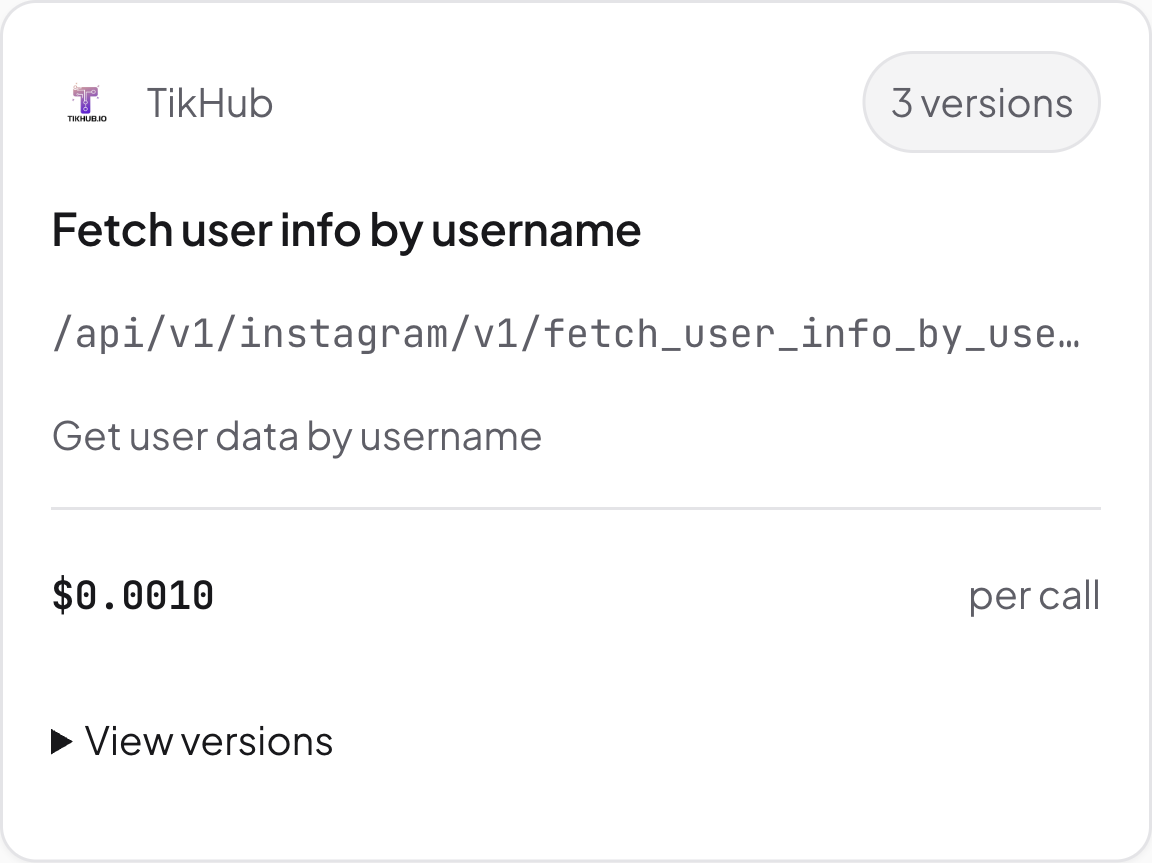
Instagram username lookup. Source: Purrkey tool directory, captured November 5, 2026
Check the returned profile against the account you selected. If it is missing or appears to describe another business, record the problem instead of silently substituting another username
Your finished worksheet row should contain the original company name, selected username, available profile details and the company-website link you checked. Note whether the account association is confirmed or still needs review
Estimated tool cost
The Purrkey listings captured November 5, 2026 show:
| Planned call | Listed unit price | Estimated cost |
|---|---|---|
| One name search | $0.002 per call | $0.002 |
| One selected profile lookup | $0.001 per call | $0.001 |
| Two-step plan | Two calls | $0.003 |
The first prompt costs an estimated $0.002; the later profile lookup adds $0.001. If you already know the username, the direct lookup alone is estimated at $0.001. The website check above is a manual step. Agent model fees and extra tool calls are excluded
Open the Instagram directory and choose the search or lookup route for your input