How to find trending hashtags on TikTok
Use Purrkey to collect TikTok hashtag candidates for a market and time window, then turn them into a focused brief for your next video
On this page
Your next TikTok video shows how to prepare packed lunches for a US audience. Use the trending hashtag list to find possible tags, then select those that describe the video you are making
This example requests five tags from the US seven-day list. It is a small first pass: the list may include unrelated subjects, so the final selection can contain fewer than five tags, or none
Set up https://purrkey.app/SKILL.md. Find hashtag candidates for a US
packed-lunch video. Inspect the TikTok trending hashtag list and price.
Request page 1 for the US, a seven-day window and a limit of five.
Keep returned tags, available ranks or metrics, source dates and
request settings. Select only tags that fit preparing packed lunches
and explain the fit briefly. Put unclear tags aside for review.
Do not invent tags or make follow-up calls.
Get the trending list for your market
Use tikhub.tiktok.ads.get_trends_hashtag_list. Its checked inputs are country_code, time_range, page and limit, with documented time windows of 7, 30 and 90 days. After inspecting the current tool, the agent uses US, 7, 1 and 5 for this example
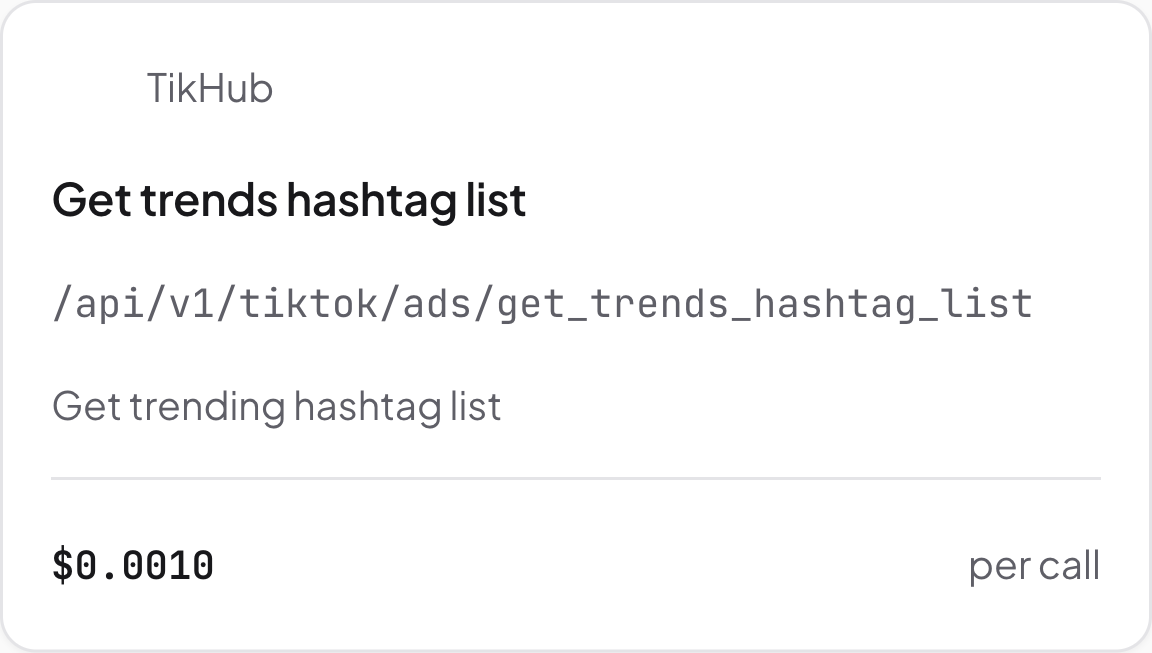
TikTok trending hashtag list. Source: Purrkey tool directory, captured November 5, 2026
The request selects a market and time window; it does not search specifically for packed-lunch tags. Keep the tags that actually arrive, with their available ranks or metrics. Leave missing counts blank rather than treating them as zero
Choose tags that fit the planned video
Read the returned tag names against the video's subject. Retain tags whose meaning fits lunch preparation, ingredients or the format shown in the video. A popular tag about an unrelated challenge should stay off the caption
For each retained tag, add one short reason tied to the planned content. If the meaning is unclear from the returned information, put it in a separate group for the editor to check. There is no need to fill the shortlist with five suggestions
Check any source dates included in the response as well. Record those alongside the collection date. An older observation should not be described as a current trend merely because the agent downloaded it today; if the source date is absent, leave freshness unconfirmed
Look up one tag only if you need more context
The initial prompt stops after the list. If a promising tag remains unclear, you can ask for a separate lookup with tikhub.tiktok.ads.get_trends_hashtag_detail
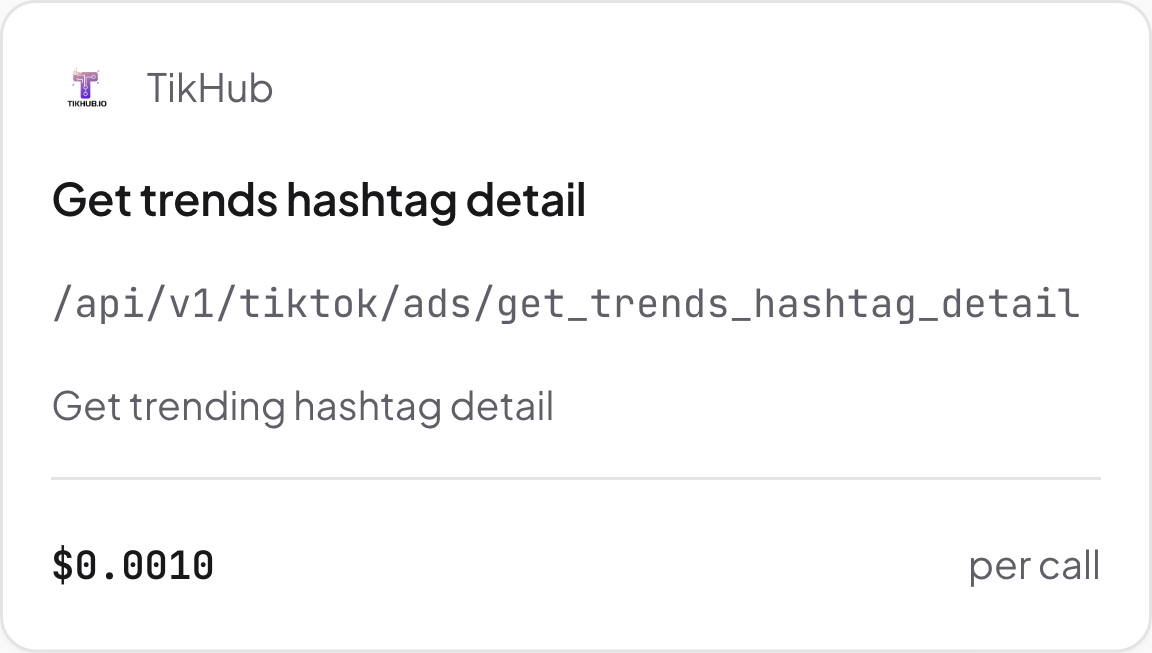
TikTok hashtag detail. Source: Purrkey tool directory, captured November 5, 2026
Have the agent inspect the required identifier and price, then use the identifier for the selected tag when available. Review the returned description and metrics for the specific question you had. A lifetime view total, if returned, should remain separate from the seven-day list ranking
If the lookup still does not explain the tag, the editor can inspect its use on TikTok before adding it to the caption. A matching tag is a content choice, not a promise of more views
Estimated tool cost
Using Purrkey's listed prices captured November 5, 2026:
| Planned work | Price basis | Estimated tool cost |
|---|---|---|
| One hashtag-list request | $0.001 per call | $0.001 |
| Optional detail for one selected tag | $0.001 per call | $0.001 extra |
| Base brief | One list call, no details | $0.001 |
With one optional detail lookup, the total is estimated at $0.002. Requesting five tags still uses one list call. Extra pages, further lookups and Agent model fees are excluded
Give the editor the selected tags, a reason for each, available source dates and any tags left for checking. Start with the TikTok list tool using your video's market and subject